Overview
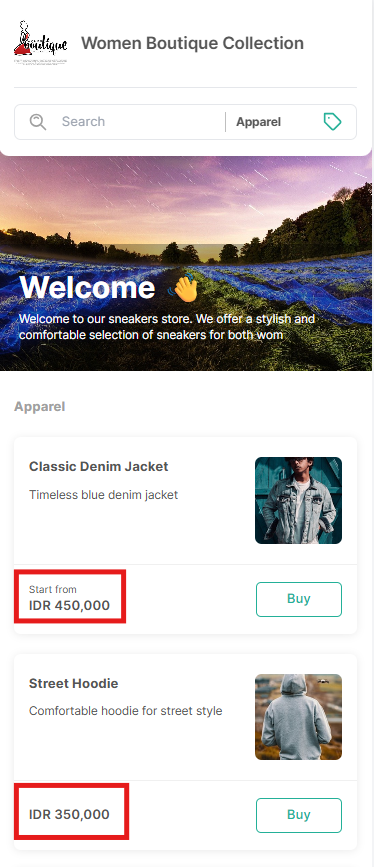
Localization and Currency settings define how your store handles time and monetary values.
These settings ensure:
All dates and times follow your store’s timezone
All transactions use a consistent currency
Make sure both are configured correctly before your store goes live.
1. Localization (Store Timezone)
Localization determines which timezone your store uses.
All dates and times in your store — such as delivery schedules, pickup times, and order timestamps — will follow this timezone.
What This Means for You and Your Customers
All times are shown based on your selected timezone (for example, GMT+7)
Customers in different locations will still see times using your store’s local time
Delivery and pickup schedules follow this timezone consistently
Why This Is Important
Choosing the correct timezone helps avoid confusion about:
Delivery times
Pickup times
Order schedules
Make sure the timezone matches where your store operates.
Managing Store Timezone
To set your store timezone:
Go to Qiscus Shop Dashboard
Open the Store menu
Select the Store Information tab
Locate Timezone under the Localization section
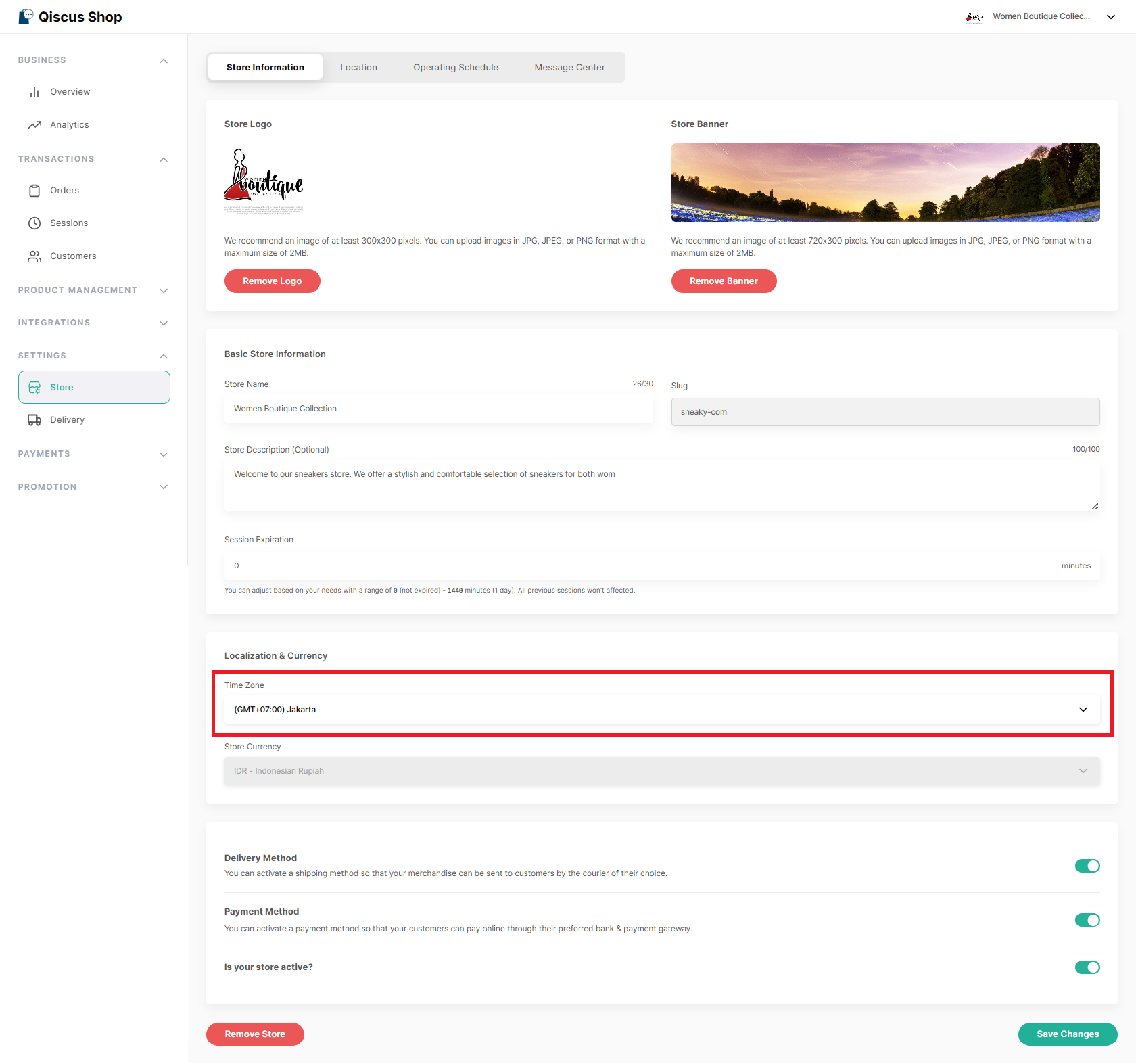
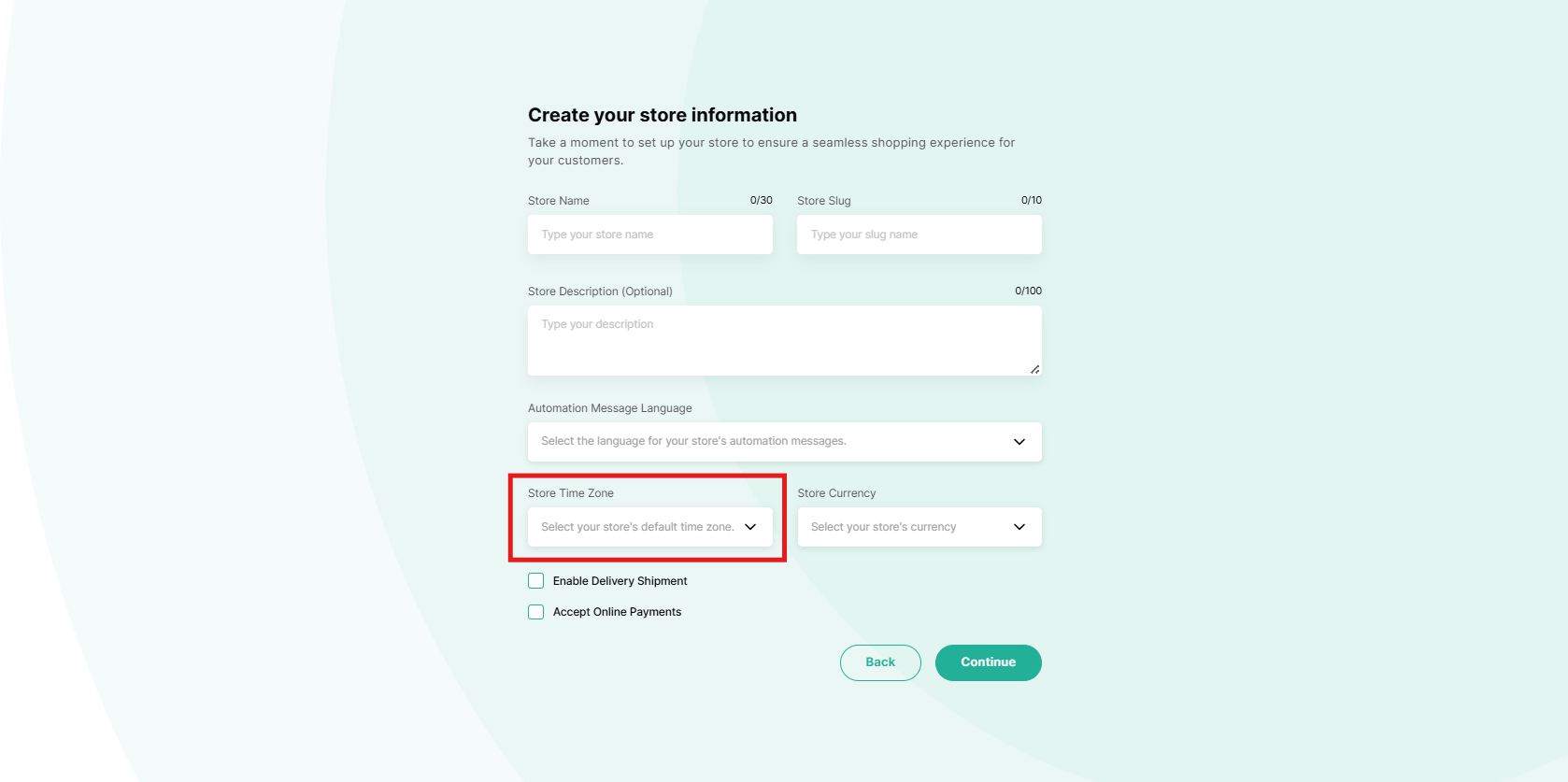
You can also set this during initial store setup.
2. Store Currency
Qiscus Shop operates using a single-currency system.
Store Currency defines the currency your store uses to display and process all monetary values. This ensures consistent pricing, accurate payment processing, and reliable financial records.
The selected currency applies to:
Product prices
Cart and checkout totals
Order amounts
Payment transactions
Order receipts
Reports and financial records
Each store operates using a single currency. Multiple currencies within the same store are not supported, and automatic exchange rate conversion is not available.
Supported Currencies
Qiscus Shop supports multiple international currencies, and you can view the available options directly in the Store Currency dropdown in your dashboard.
Only the currencies listed in the dropdown can be selected as your store currency.
Managing Store Currency
To manage your store currency:
Go to Qiscus Shop Dashboard
Open the Store menu
Select the Store Information tab
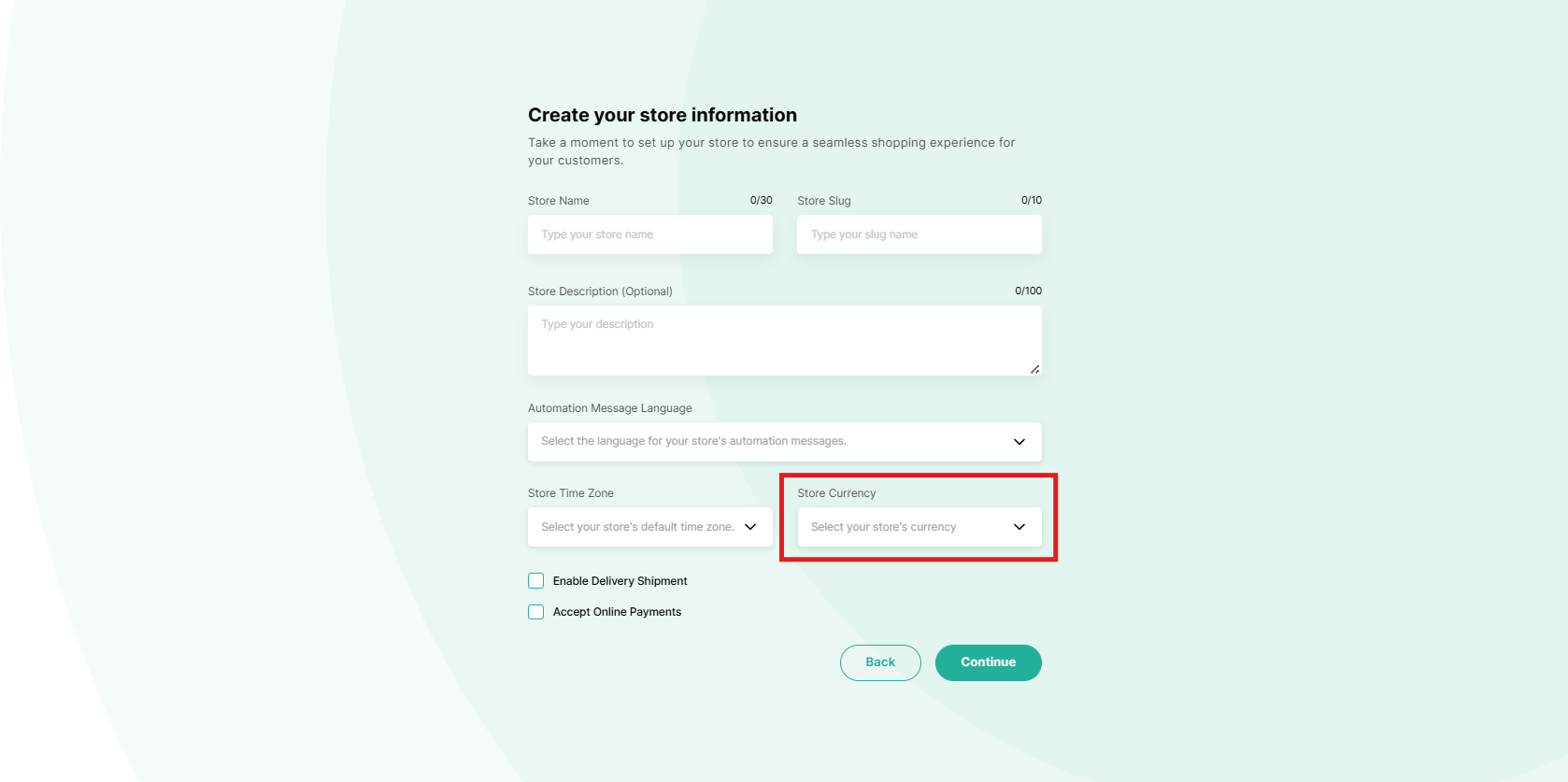
Locate Store Currency under the Currency section
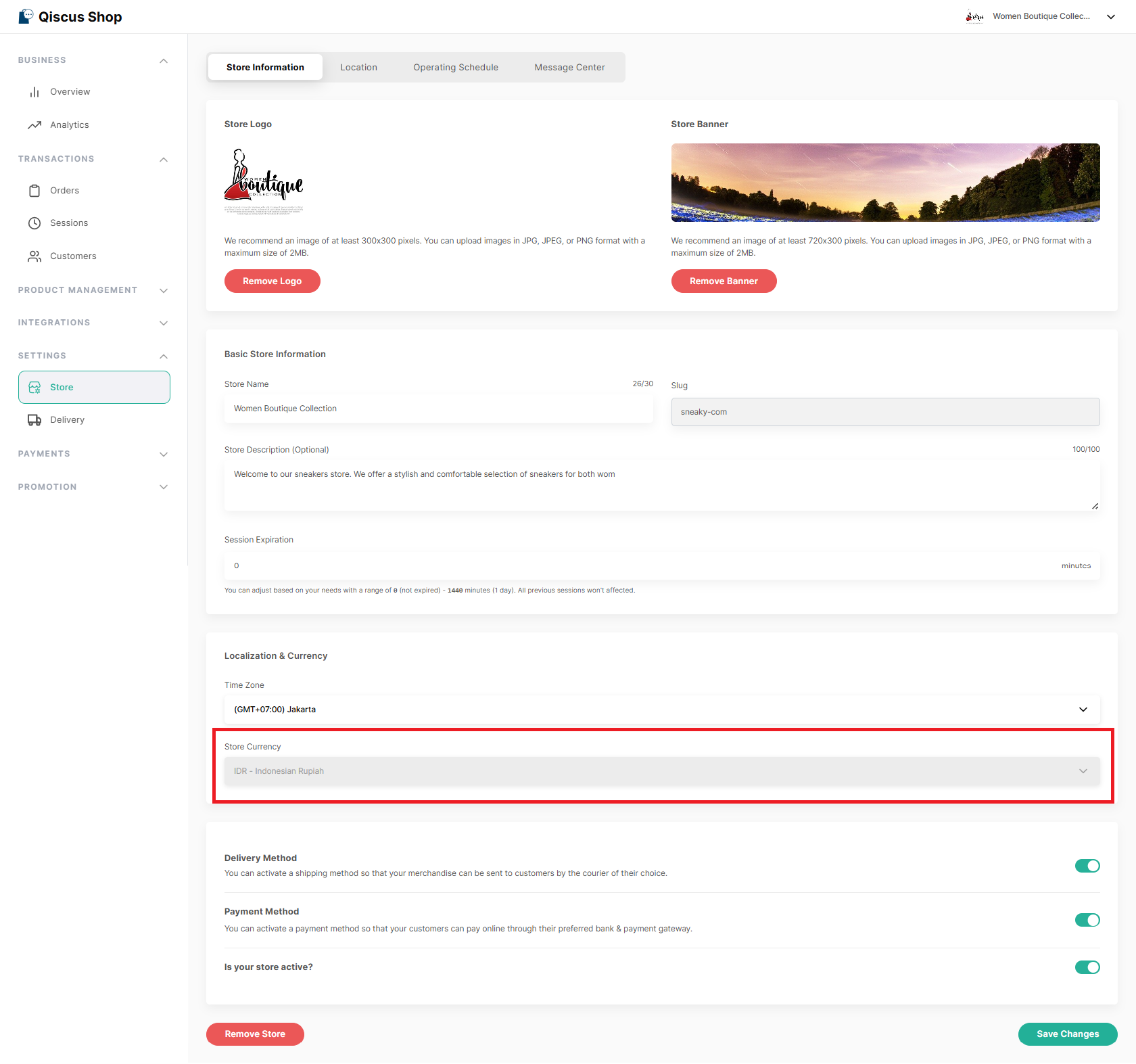
You can also select the currency during initial store setup.
Changing Store Currency
Store currency can only be changed before any order is created. Once an order has been created, the store currency is permanently locked to maintain data consistency.
This restriction ensures accurate pricing, payment records, and reporting consistency.
Payment Provider Compatibility
Available payment providers depend on your selected store currency and can be activated as long as the selected currency is supported by that provider.
Please ensure the selected currency is enabled and supported in your connected payment provider account.
Checkout & Payments
All transactions are processed in the store’s active currency. The displayed amount is final and charged as shown. Mixed currencies are not supported within a single store.