
Export your product list as a CSV file — formatted to match the import structure of the destination platform, or in the Qiscus Shop import format so the file can be edited and re-imported directly into your store.
Exporting Your Products
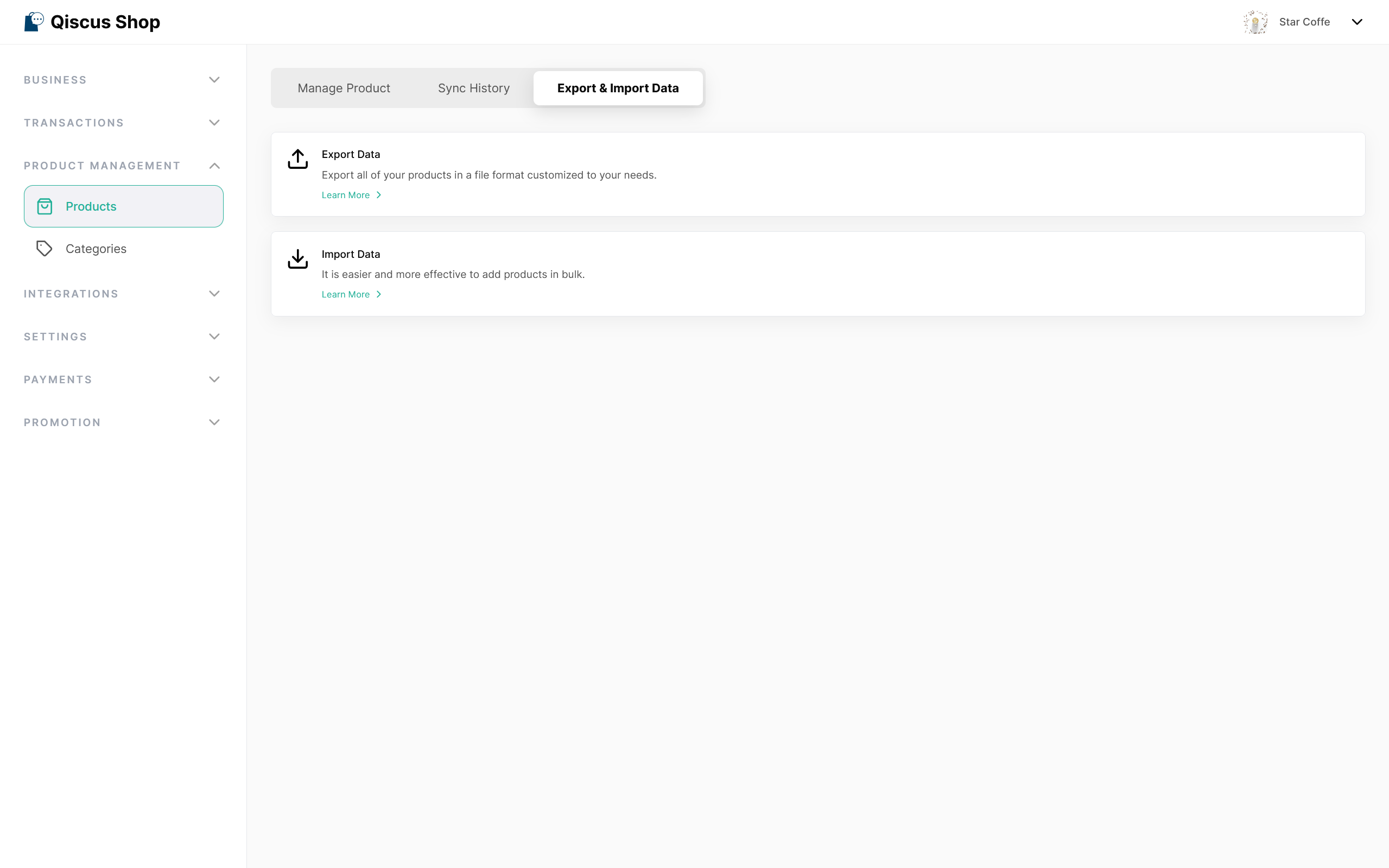
Go to Product Management > Products, then switch to the Export & Import Data tab. You'll see two options — Export Data and Import Data. Click Learn More under Export Data to continue.
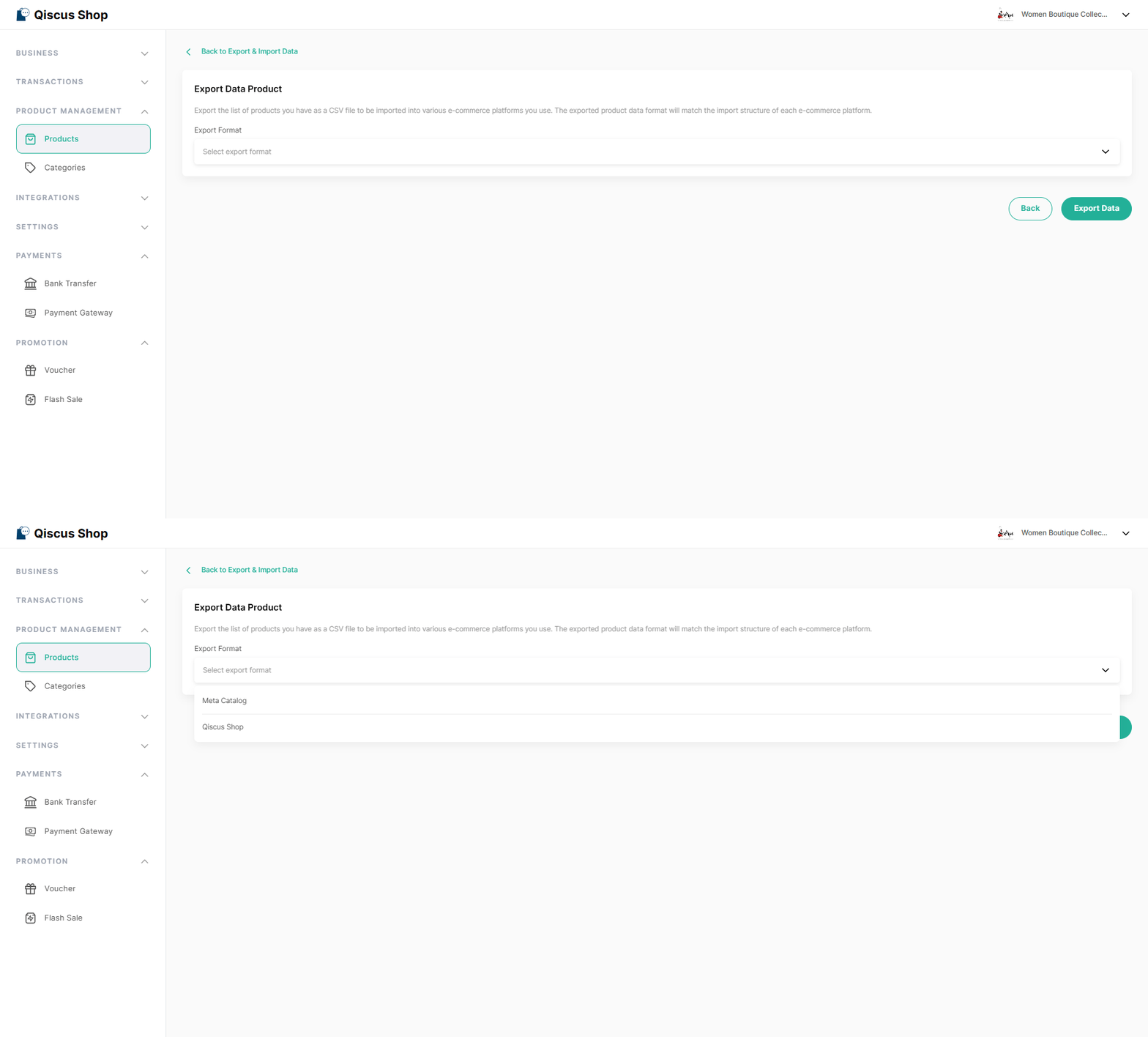
This opens the Export Data Product page. Choose the export format from the Platform dropdown — Meta Catalog to bring your products into Meta, or Qiscus Shop to export in the Qiscus Shop import format. Click Export Data to generate and download the CSV file containing your product information.
Re-importing Exported Products
Files exported in the Qiscus Shop format follow the same structure as the Import Products template. You can edit the exported file — for example, to update prices or stock in bulk — and re-import it directly through Import Data without reformatting.
Files exported in other platforms' formats (such as Meta Catalog) are intended for importing into those platforms and cannot be re-imported into Qiscus Shop.