
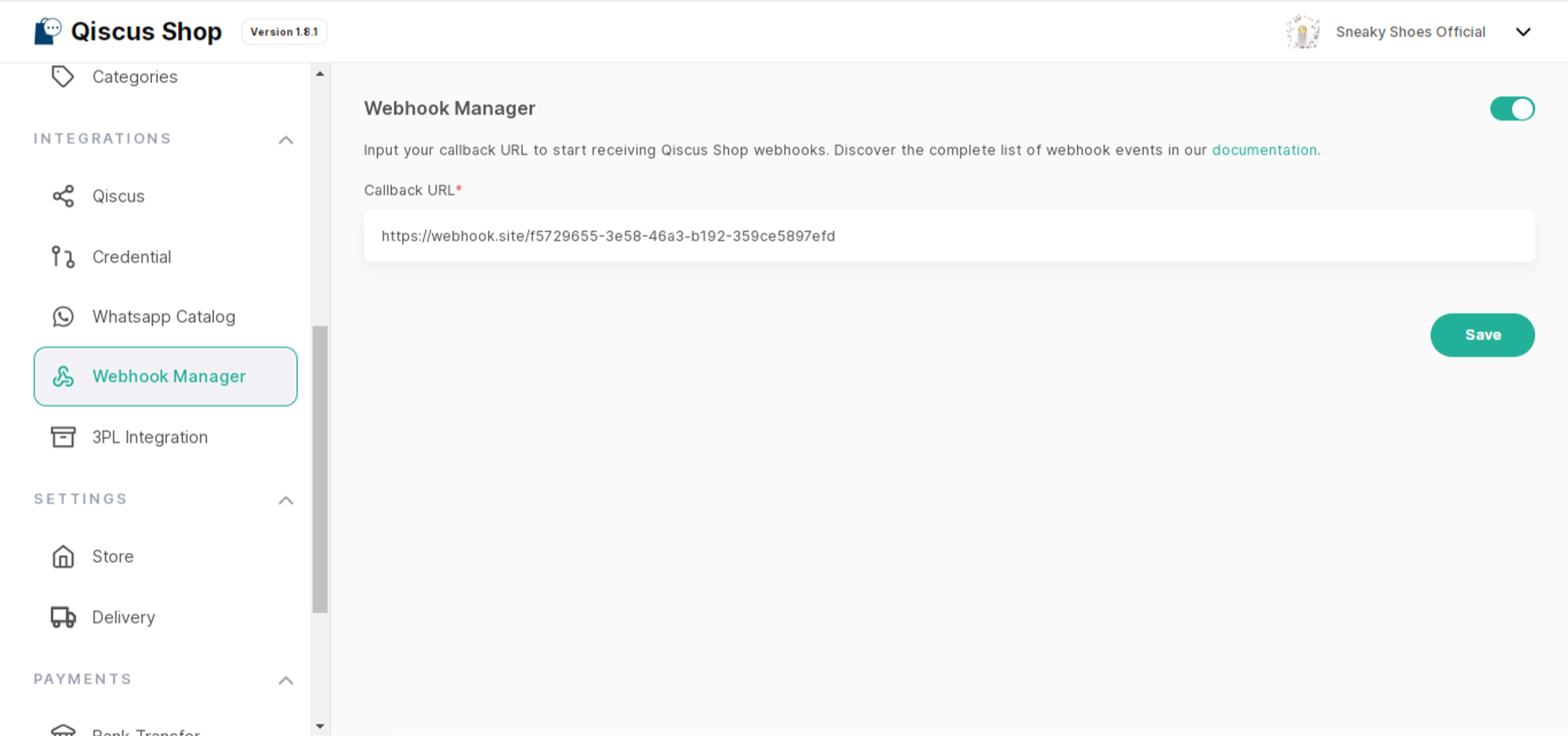
This feature allows you to integrate Qiscus Shop with other services. When Qiscus Shop receives a new order and order data changes, your service will receive an event with the data specified in the following payload.
So please prepare the webhook receiver URL, then enter it in the Callback URL of the Webhook Manager, save, and activate it."
Payload
is_product_discount — true when this variant's price reflects an active Product Discount, mirroring is_flash_sale. price is the amount actually charged (discounted if either flag is true); original_price always holds the normal price before any discount.
Shipping label link
shipping_label_url and shipping_label_expires_at let a warehouse or an external system open and print the order's shipping label as a PDF without signing in to Qiscus Shop. The PDF is the same label as Print Label in the dashboard.
Both fields are filled when the order is Packed or Sent. For 3PL orders (
logistic_type2), they are filled only after a pickup has been requested and the order has an airway bill (awb). Otherwise both arenull.Every webhook carries a newly generated link. Each link expires 30 days after it was generated, at the time given in
shipping_label_expires_at.A link opens the label only while the order is still Packed or Sent (and, for 3PL orders, still has an airway bill). An expired link, or a link for an order that no longer qualifies, returns
410. A malformed or altered link returns404.To get a new link, for example after the previous one expired, call Get a shipping label link of an order.
Label links are rate limited. When a limit is reached or the server is busy, the link returns
429or503with aRetry-Afterheader. Retry after the number of seconds it gives.Treat the link as confidential. Anyone who has it can open the label, which shows the customer's name, phone number, and address.