
Qiscus Shop provides several APIs that users can use to collaborate data between systems. For the complete and up-to-date list of available endpoints, please refer to our OpenAPI documentation. To use our APIs, users are required to use authentication in the form of an API Key provided through the Credentials menu.
Use case for this API :
Sync data from existing system to Qiscus Shop
Onboard product product by Sync product data or Create a product
Chatbot Collaboration
Manage Voucher or promotional programs
Manage Flash Sale campaigns
Manage Product Discount campaigns
Manage Pre-Order variants and orders
Generate API Key
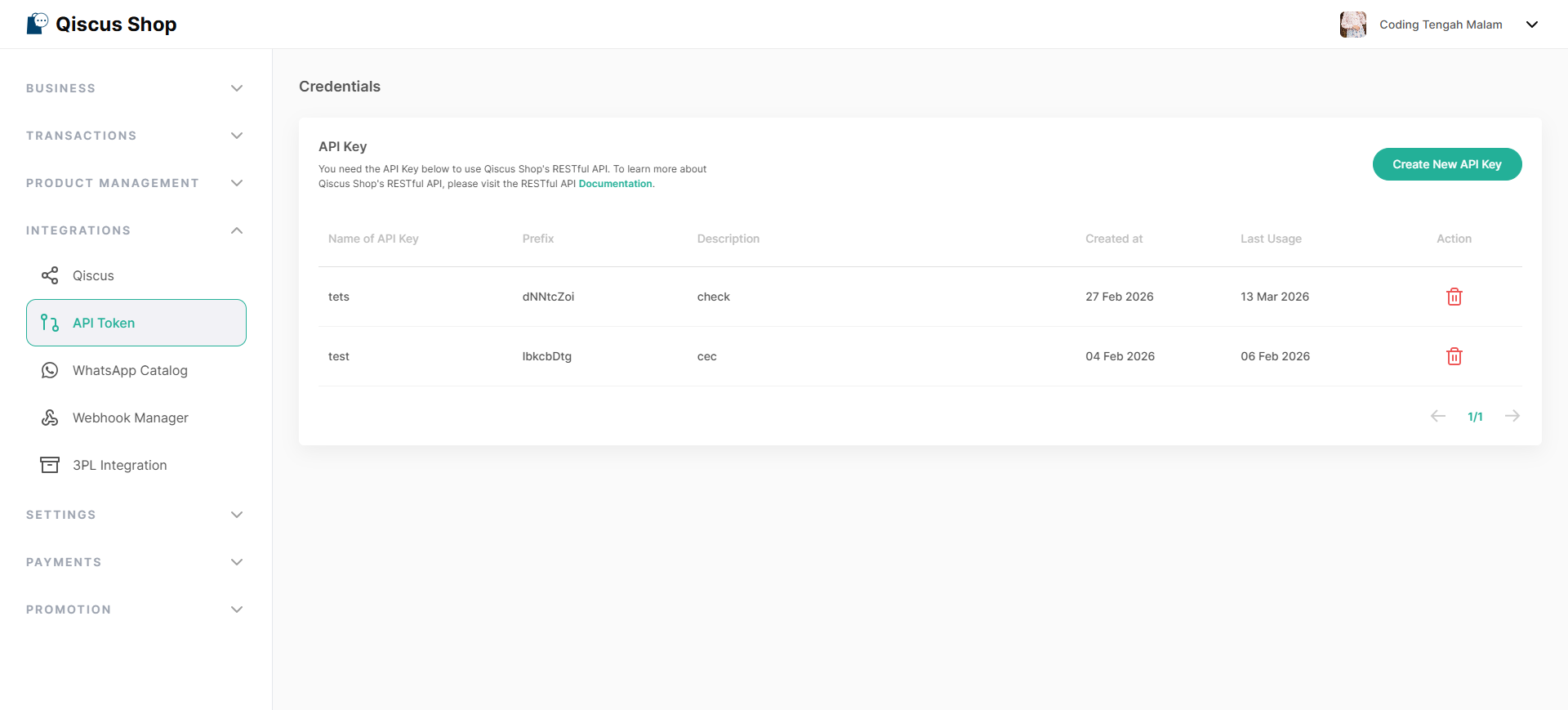
Open the Qiscus Shop addon page.
Click on the Credentials menu.
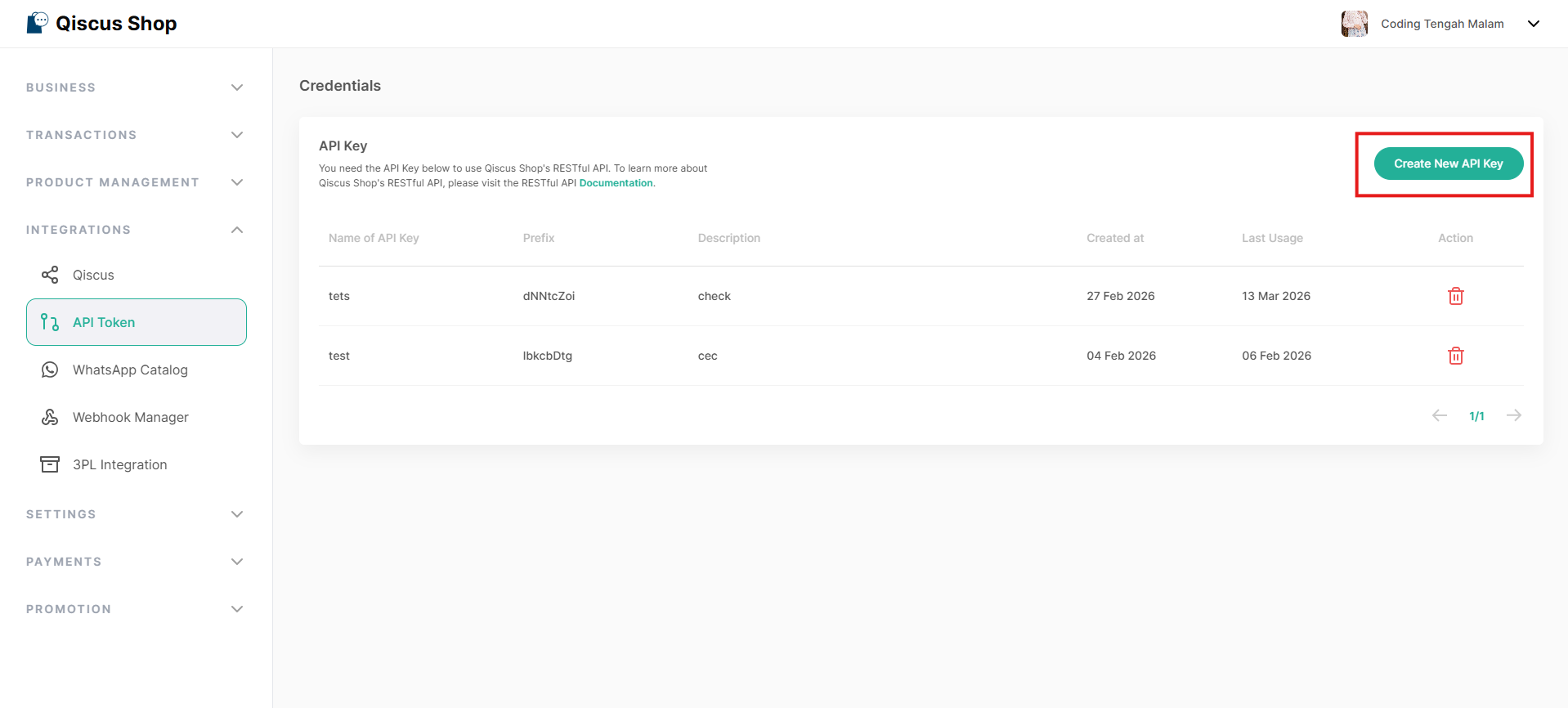
Add new API Key by clicking on Create API Key.
Fill in the Name & Description according to the purpose of the created API Key to make it easier for users to get information in the future.
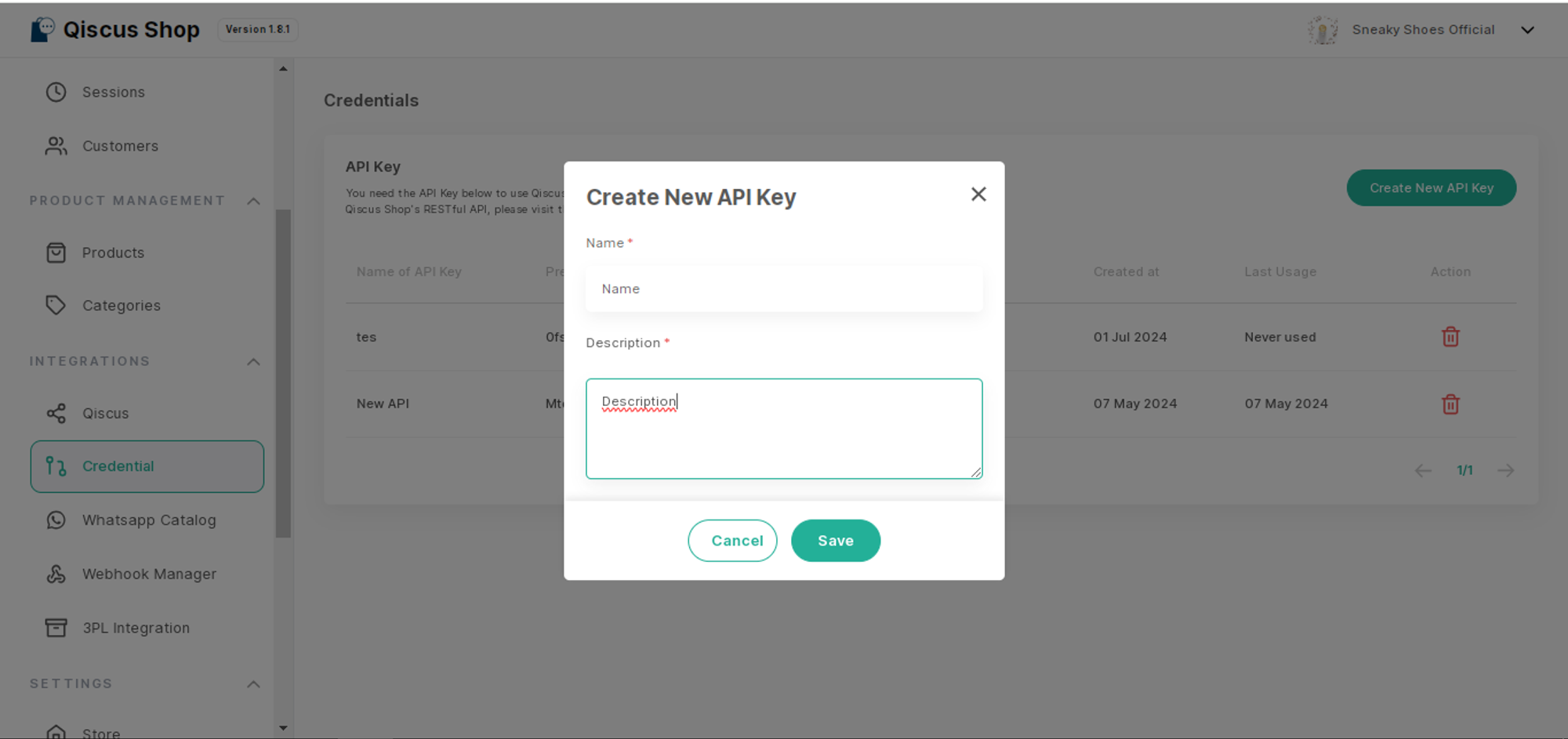
Click Save.
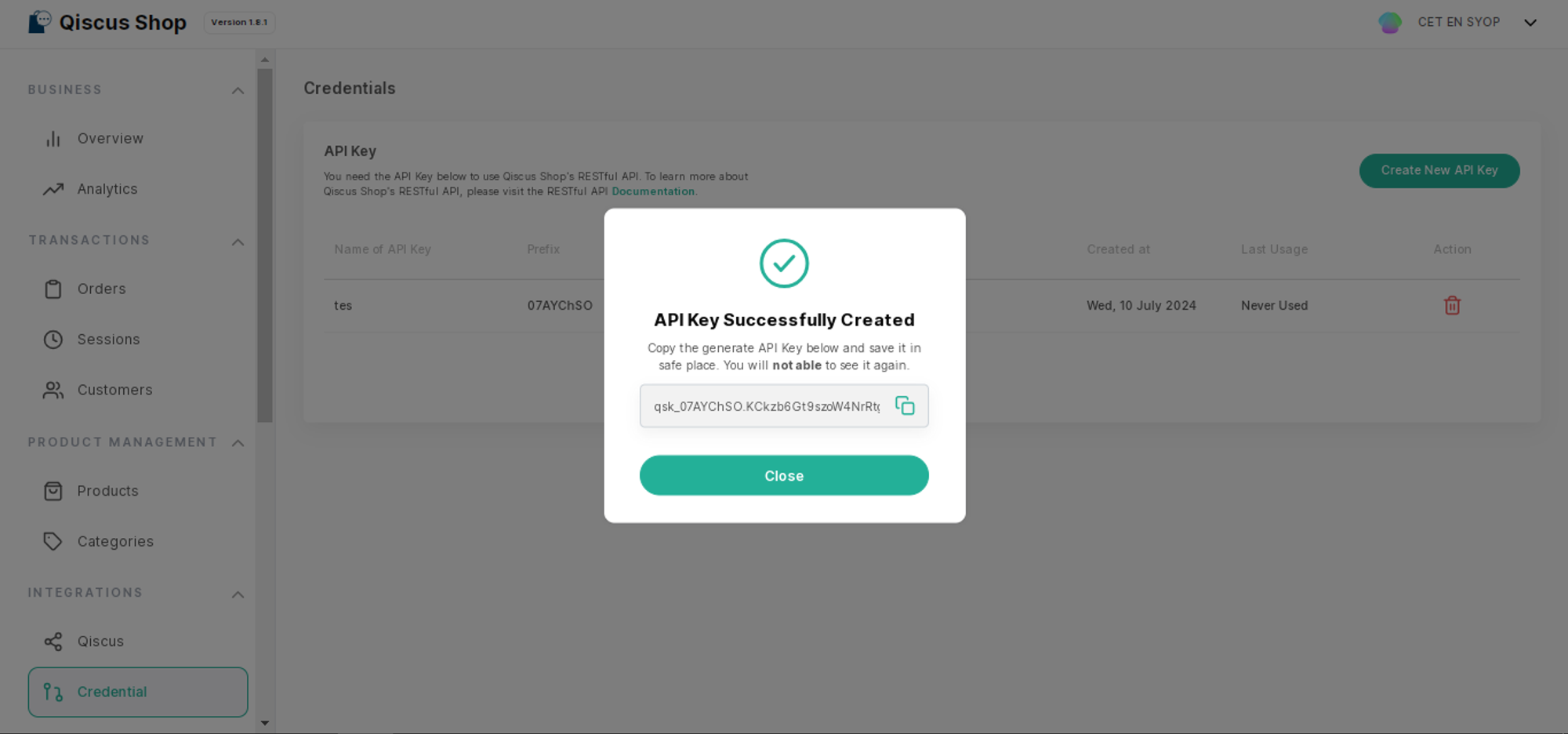
If the API Key is successfully created, you can copy the API Key and store it in a secure place because the API Key will only be visible once upon successful creation.
API Key components:
Prefix key = qsk_FbM
Main key = 3gSvDPT4qMWQncGyB2o *
Now you can use the Qiscus Shop API with the Key.