
Profile is where you manage your own identity in Qiscus Shop and check the access you hold. Everyone can open it, whatever their role — changing your own name never needs an admin.
Opening Profile
Open Account Settings, then select Profile under You.
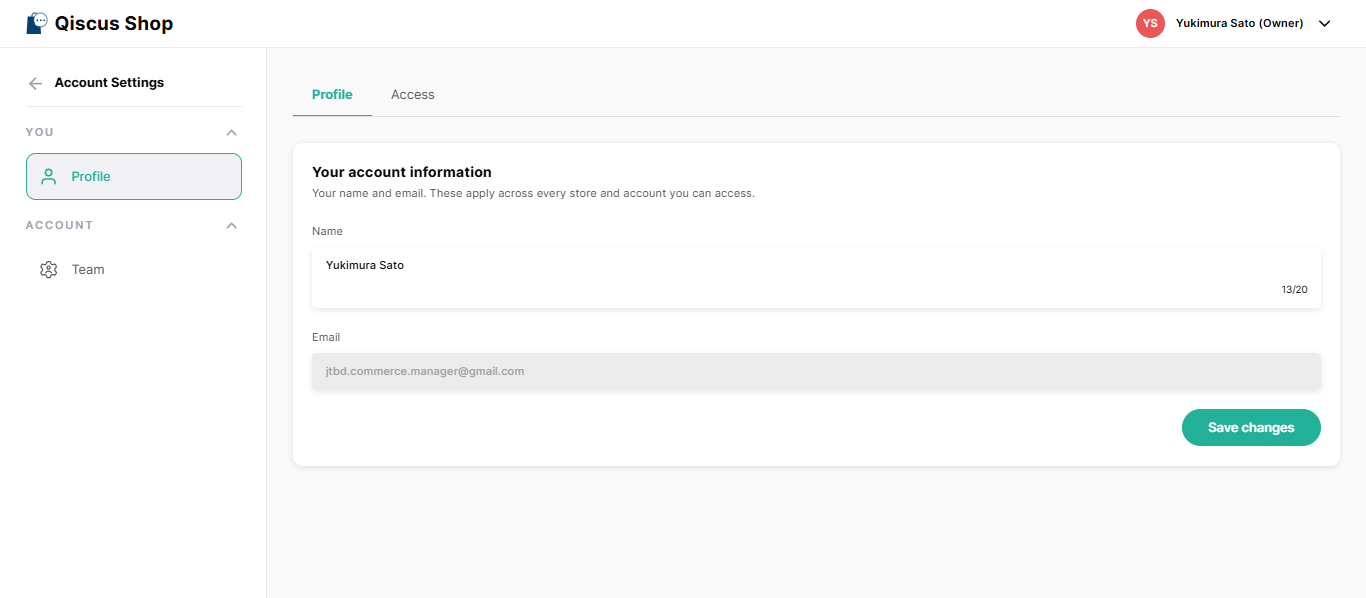
Your name and email
The Profile tab holds your name and your email. You can edit your name. Your email is shown for reference and can't be changed here.
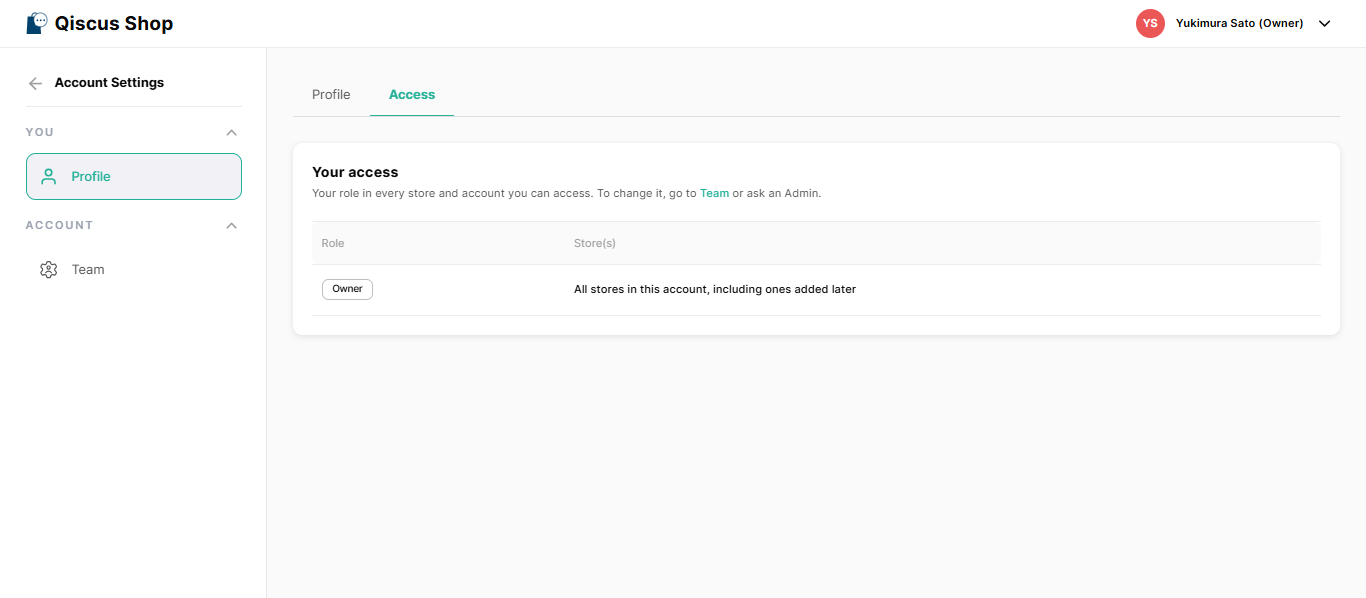
Your access
The Access tab shows the role you hold and the stores it applies to. It's read-only. If you need something different, ask your account owner, or an admin with access to all stores, to change it from Team.
For what each role can do, see Roles and Permissions.
Was this page helpful?