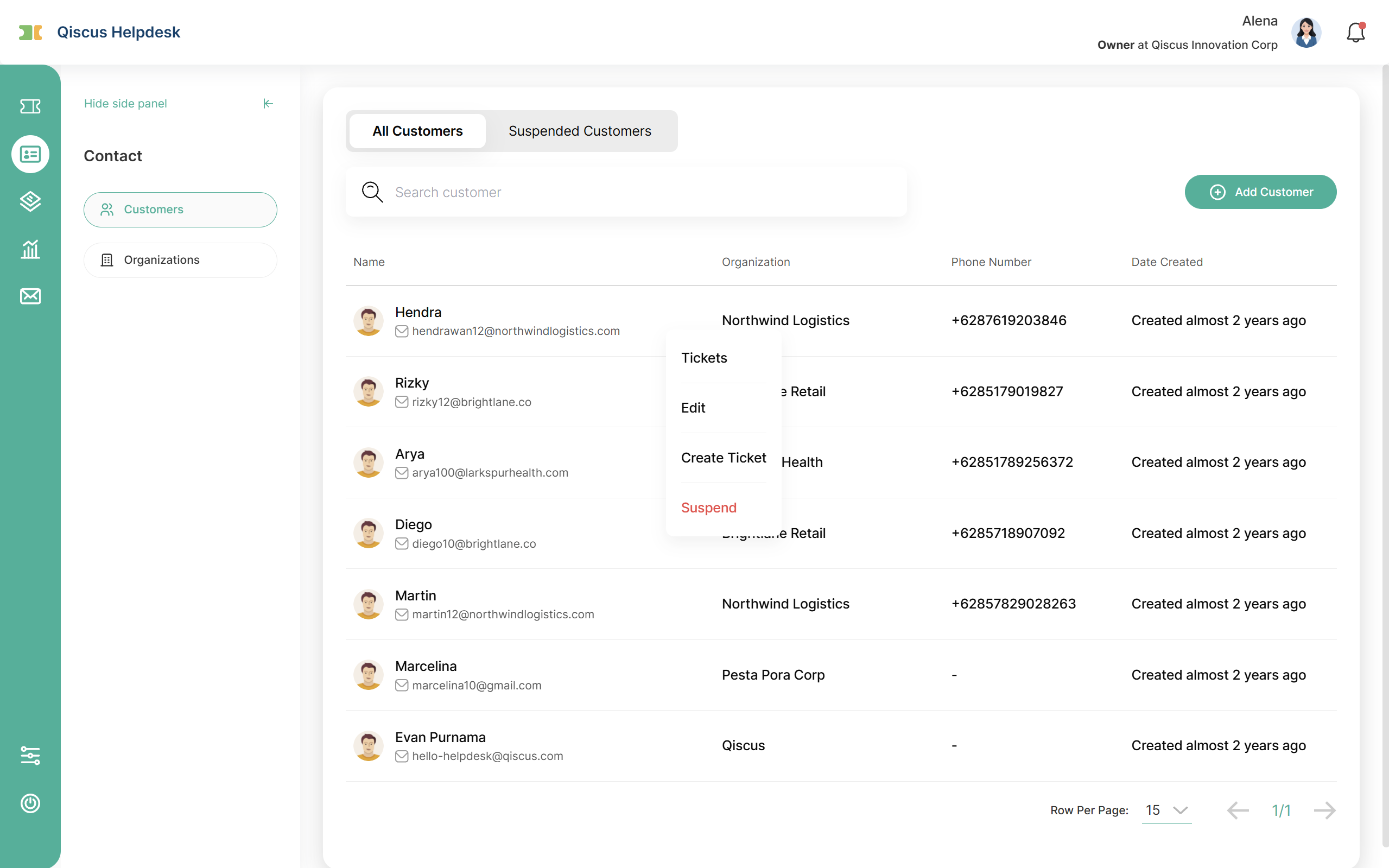
The Customers menu lists the individual people (requesters) you communicate with in Qiscus Helpdesk. From here you can review a customer's profile and ticket history, create tickets on their behalf, and keep their information up to date. Customer records are created automatically by the system when a new requester comes in, or added manually by an agent.
Customer tabs
The Customers menu has two tabs:
All Customer: every active customer. The list shows Name, Organization, Phone Number, and Date Created.
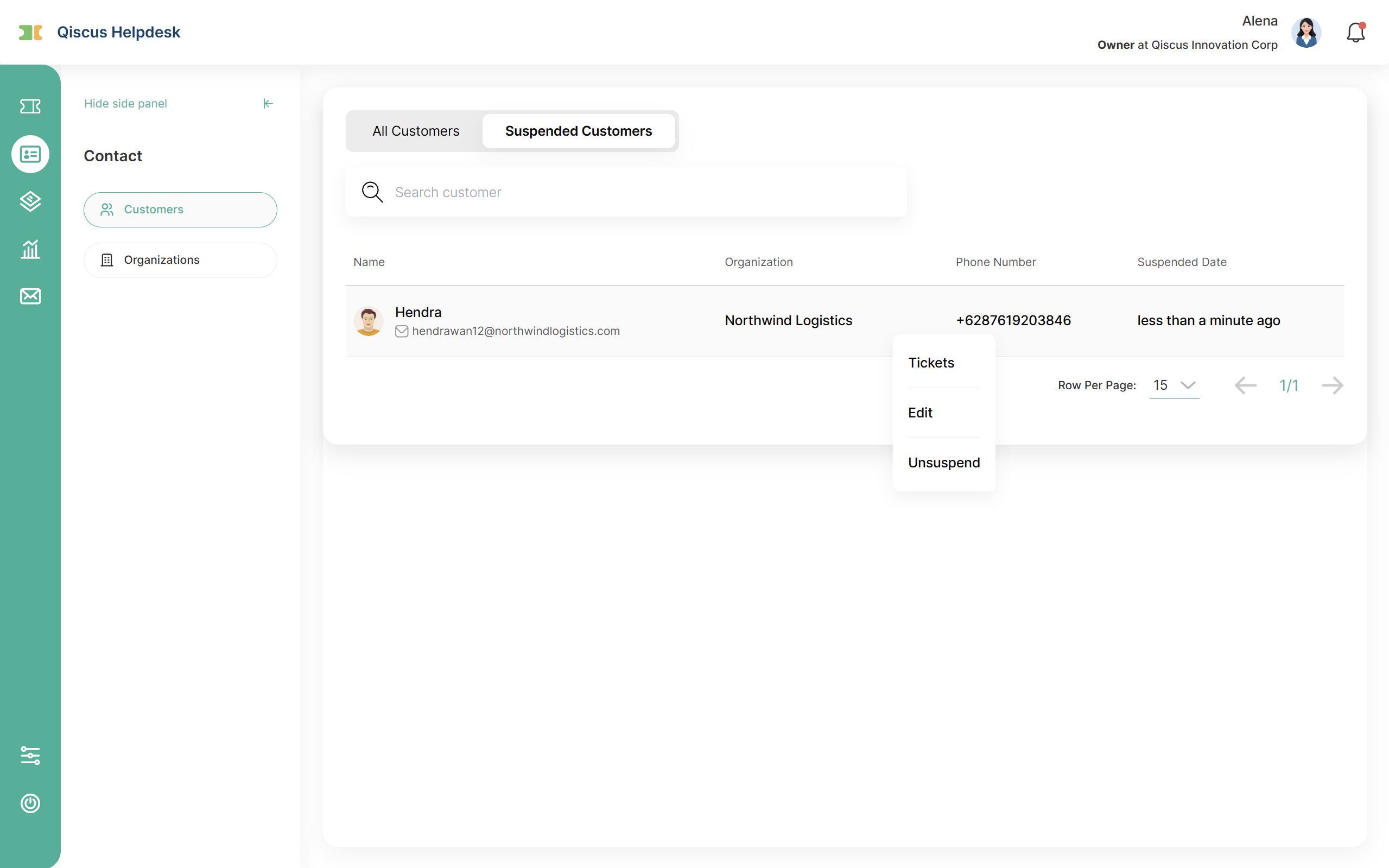
Suspended Customers: customers who are currently suspended. The list shows Name, Organization, Phone Number, and Suspended Date. A suspended customer cannot sign in to the Help Center or be selected as a requester when an agent creates a ticket, and new tickets coming from them are handled separately from the normal queue.
Creating a customer
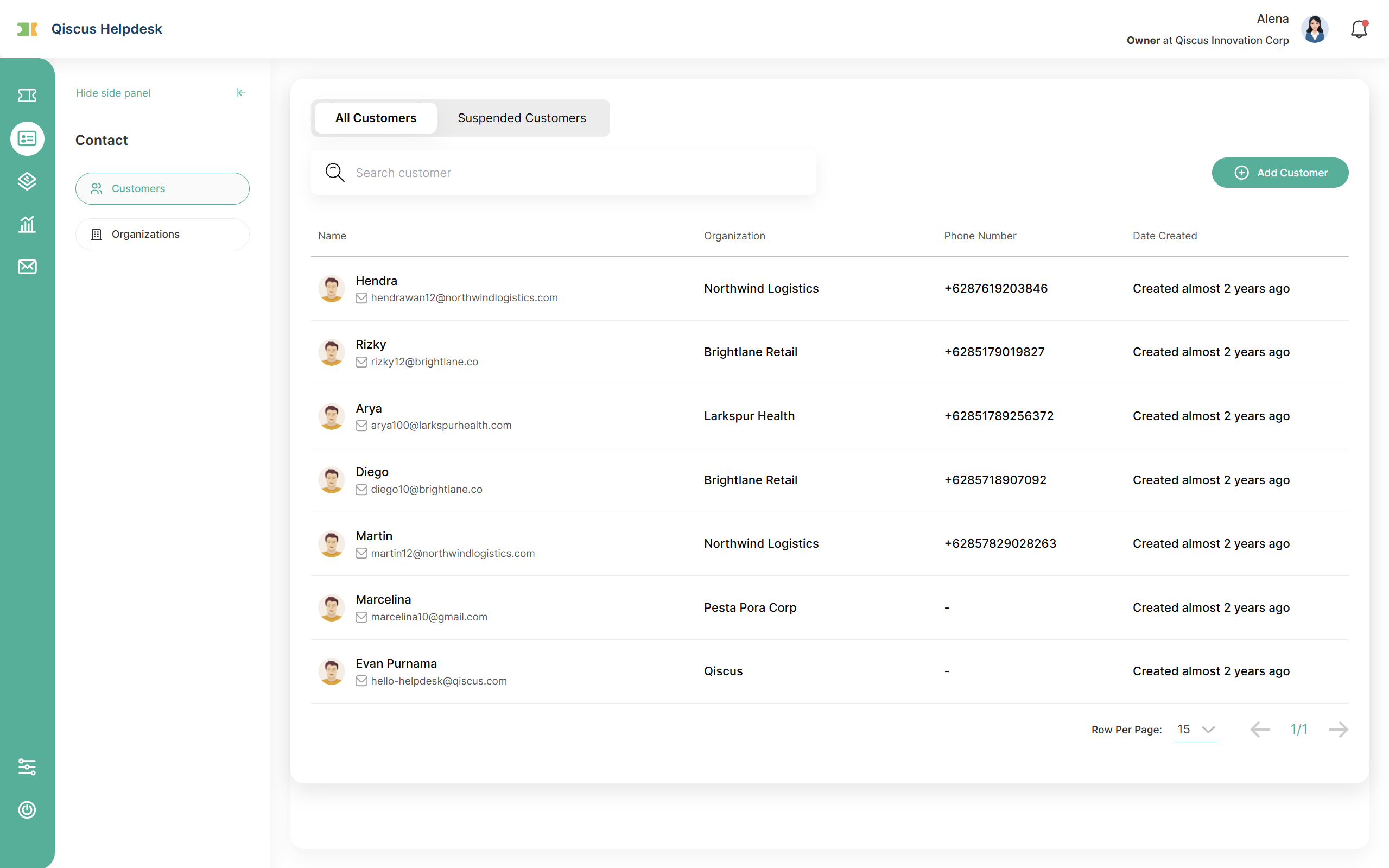
The Name and Email fields are required. The other fields are optional:
Avatar: upload a profile picture for the customer (optional).
Name (required)
Email (required)
Phone: with country code
About: address or similar information
Notes
Organization: link the customer to their company or group
Access Level: controls which tickets this customer can see in the Help Center. Two options:
Can view and edit own tickets only: the customer sees only the tickets they submitted.
Can view tickets from user's organization: the customer can also see tickets from other customers in the same organization.
Customer actions
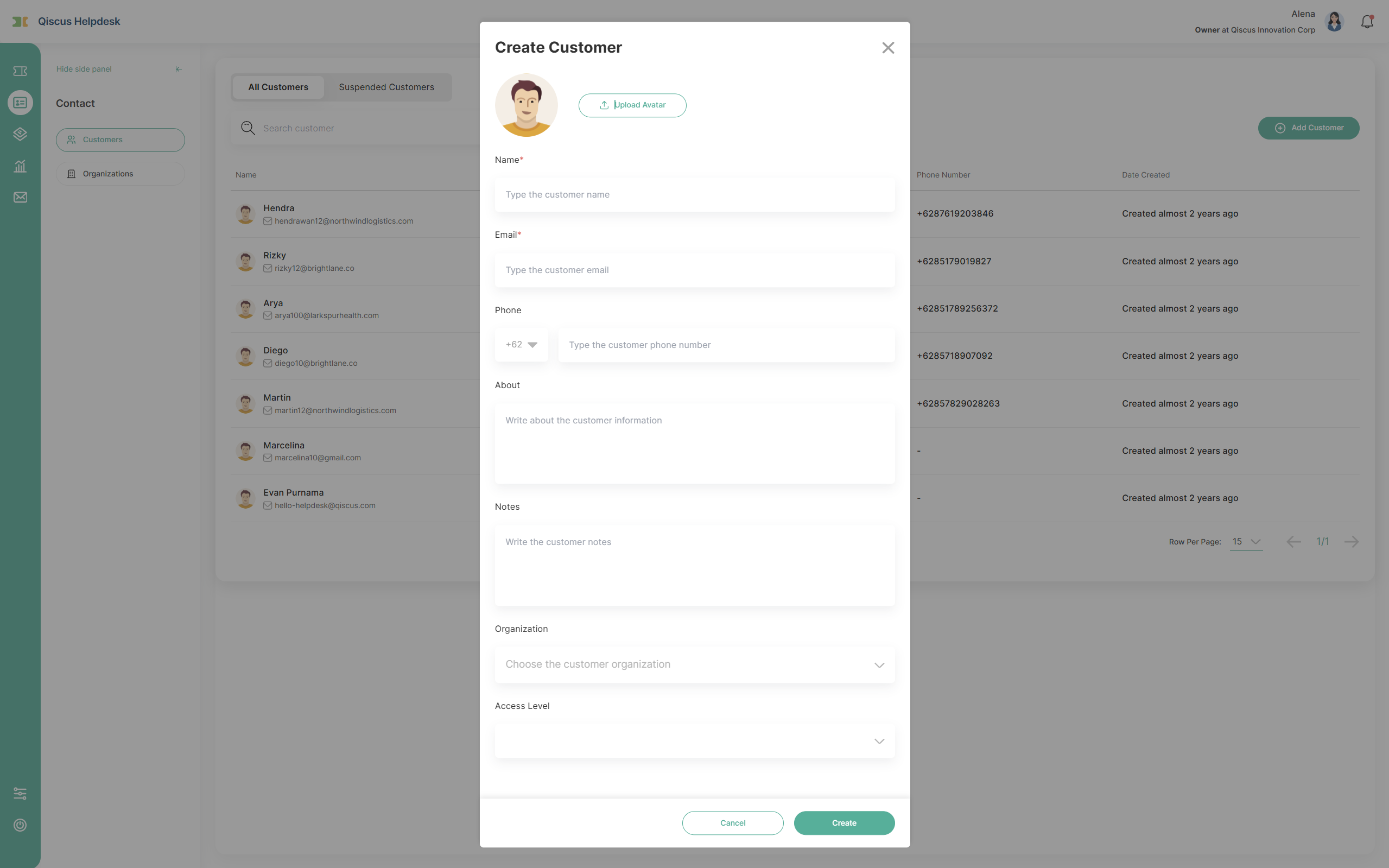
Click a customer row to open its action view, where you can:
Tickets: view the customer's tickets and support history.
Edit: update the customer's information.
Create Ticket: create a ticket on the customer's behalf (title, channel, division, and priority are required). Available in the All Customer tab.
Suspend: suspend the customer. They move to the Suspended Customers tab and can no longer sign in to the Help Center or be selected as a requester, and new tickets from them are handled separately. Available in the All Customer tab.
Unsuspend: restore a suspended customer so they can sign in and be selected as a requester again. Available in the Suspended Customers tab.