
The Analytics page is a place to get metrics that help you track the progress of your service. You can analyze agent performance, calculate operational metrics, or get a better understanding of your customer experience. Whatever your needs are, Qiscus Omnichannel Chat provides a dashboard to help you find the answers.
You can monitor how many conversations you have, track how agents perform, and access other key data through the Analytics dashboard. This service also provides raw data that you can download easily for further processing or reporting.
There are three types of analytics available in Qiscus Omnichannel Chat:
Overall Agent Analytics
Analytics on Each Agent
Custom Analytics
Overall Agent Analytics
Overall Agent Analytics includes general insights such as the number of conversations, the collective performance of all your agents, and access to downloadable raw data.
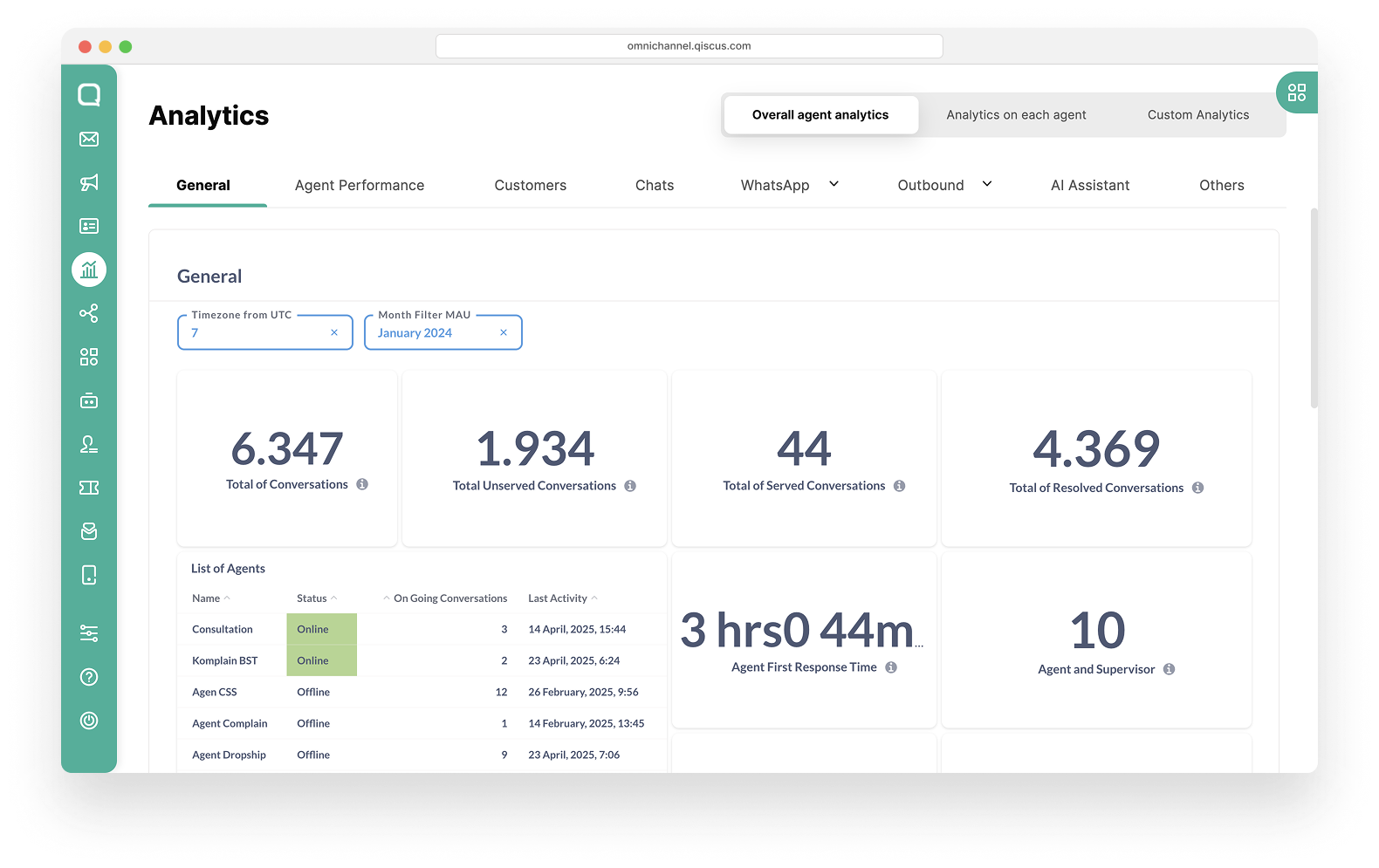
How to access:
Click the Analytics menu on the sidebar.
Select Overall agent analytics tab.
Analytics on Each Agent
Analytics on Each Agent provides performance data per agent, the number of conversations handled by each, and allows raw data download at the individual level.
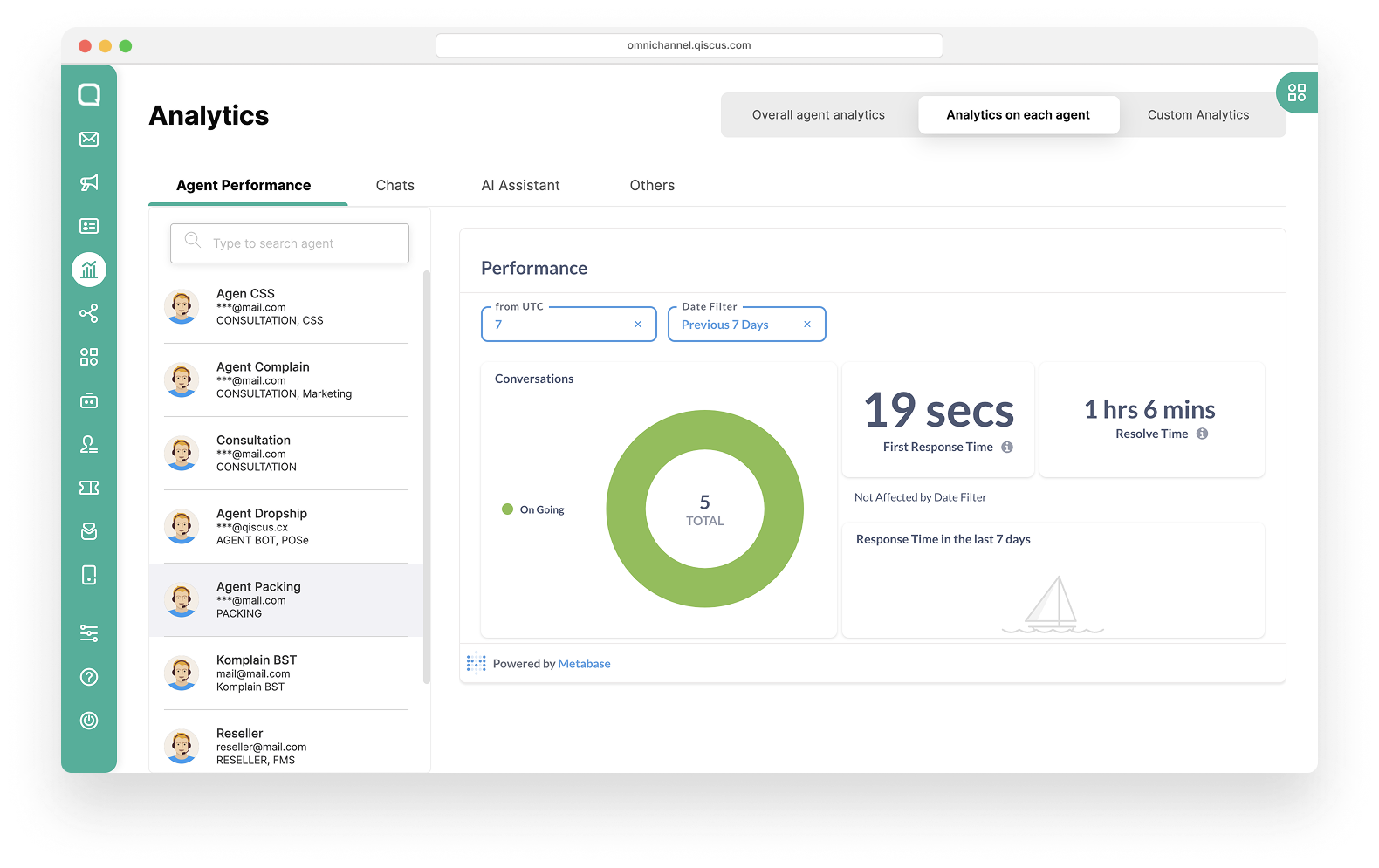
How to access:
Click the Analytics menu on the sidebar.
Select Analytics on each agent tab.
Choose one of the agents from the search results, or perform a manual search by entering the agent’s name, email, or division.
After selecting the agent, their analytics dashboard will appear, displaying metrics relevant to that specific agent.
Note:
Overall Agent Analytics and Analytics on Each Agent are only available in the Admin and Supervisor dashboards.
Agent dashboards will only show analytics relevant to the logged-in agent.
Custom Analytics
Custom Analytics enables you to build your own reports and visualizations tailored to your operational needs. Whether you require deeper segmentation, filtering, or integration with external BI tools, this feature offers flexibility beyond the standard views.
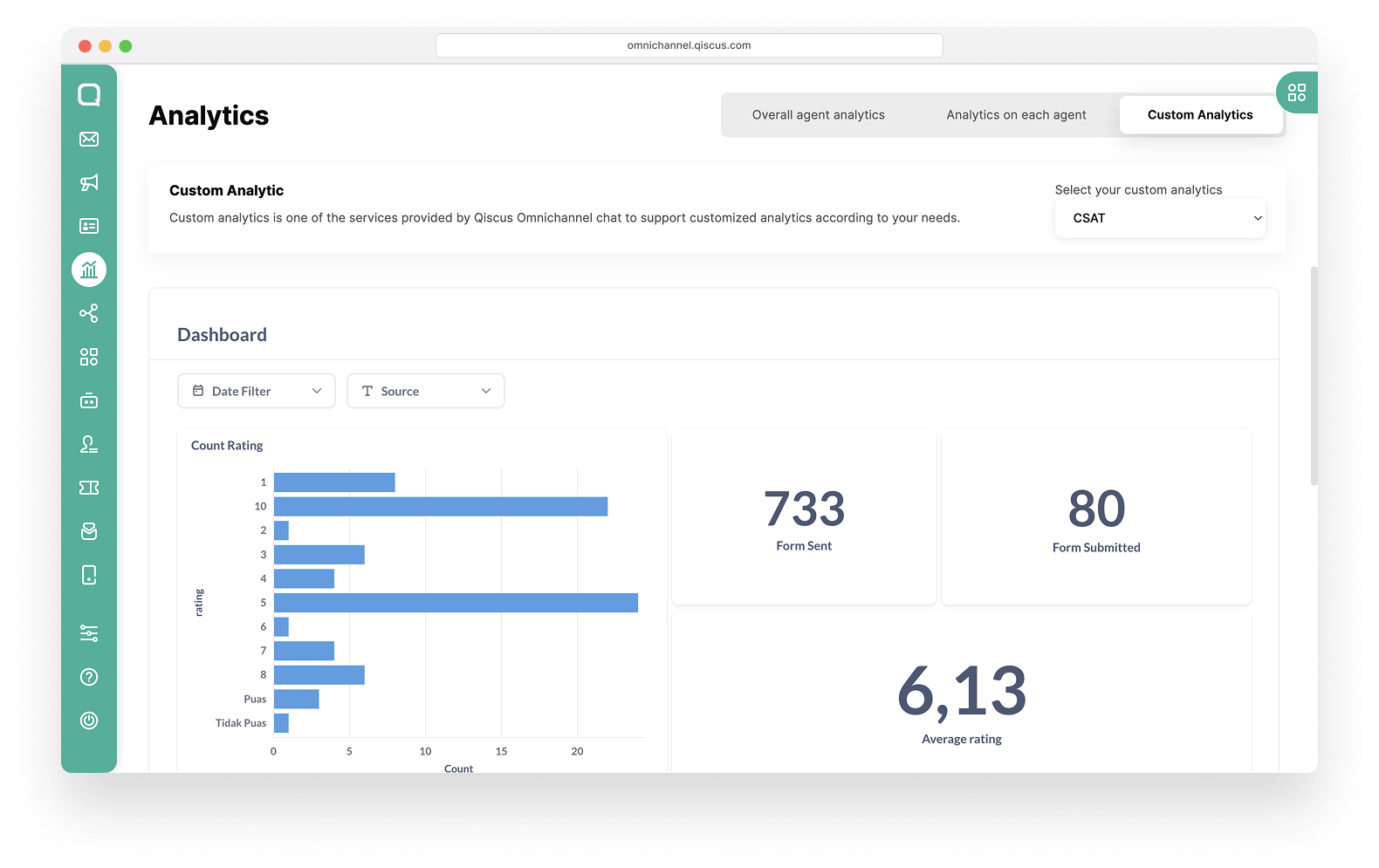
How to access:
Custom Analytics is available by request. Please Contact Us to activate and configure this feature for your account.