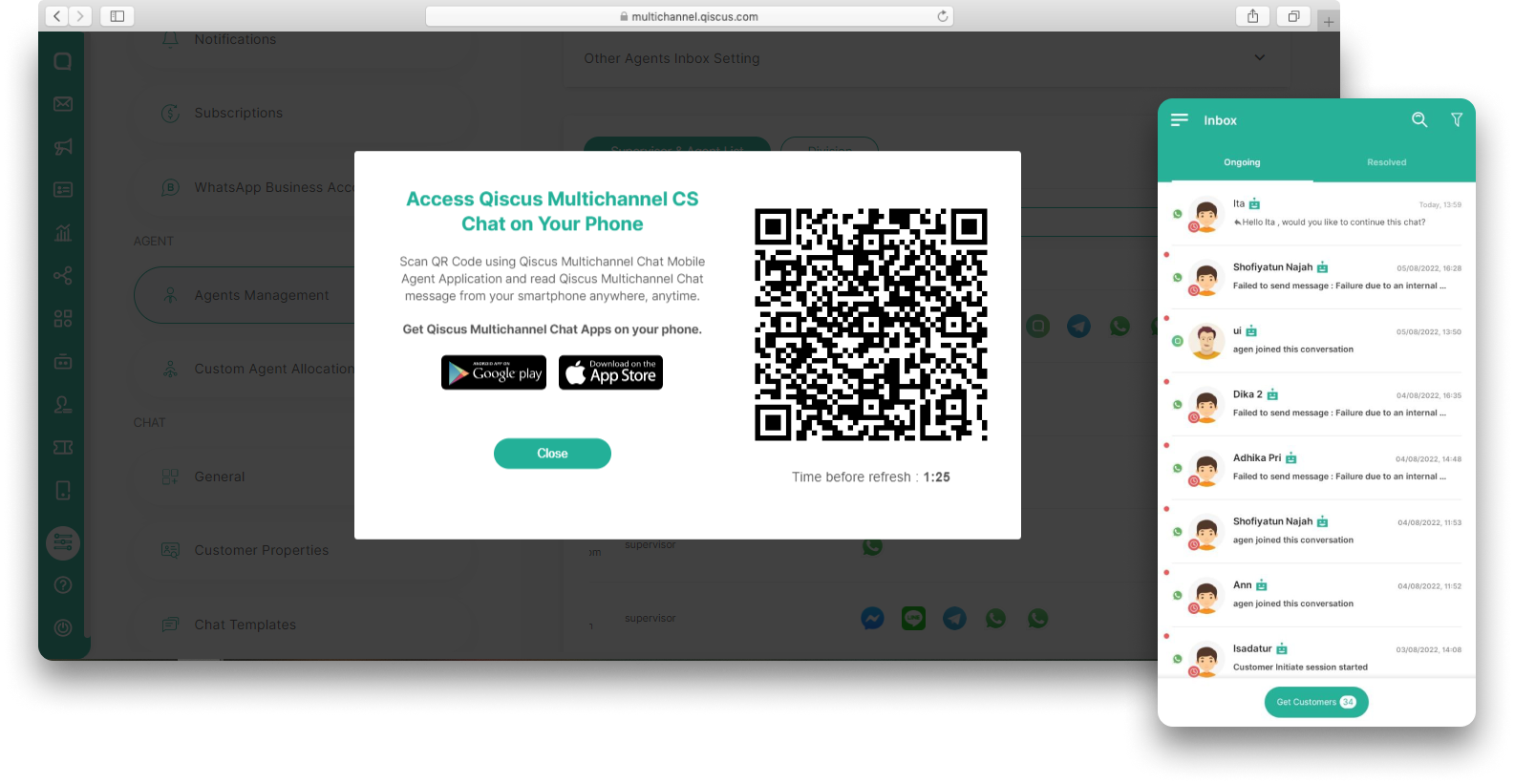
For those who are mostly mobile, yet still want to handle customers' inquiries wherever you are, we are starting to roll out our Qiscus Omnichannel Chat Mobile App. The Mobile App can be accessed by Admin, Supervisor and Agent. Through the app, you are able to cover basic conversation promptly. You are welcomed to try by installing it via Google Play Store or App Store.
To be noted however, this feature is still experimental. So please expect some limitations. But of course we are improving this feature time by time.
To use it, just follow this steps.
Install the app first.
Login to Qiscus Omnichannel Chat in your web browser and click the Mobile menu on the sidebar.
You will see a QR code, you just need to open the app and scan it.
Then you will be able to engage with your customers anywhere at anytime.