Omnichannel Chat
latest
Title
Message
Create new category
What is the title of your new category?
Edit page index title
What is the title of the page index?
Edit category
What is the new title of your category?
Edit link
What is the new title and URL of your link?
General Templates
Copy Markdown
Open in ChatGPT
Open in Claude
Create General Broadcast Template
Similar to WhatsApp templates, you can also create general templates that can be used to send broadcasts to other channels. Here are the steps:
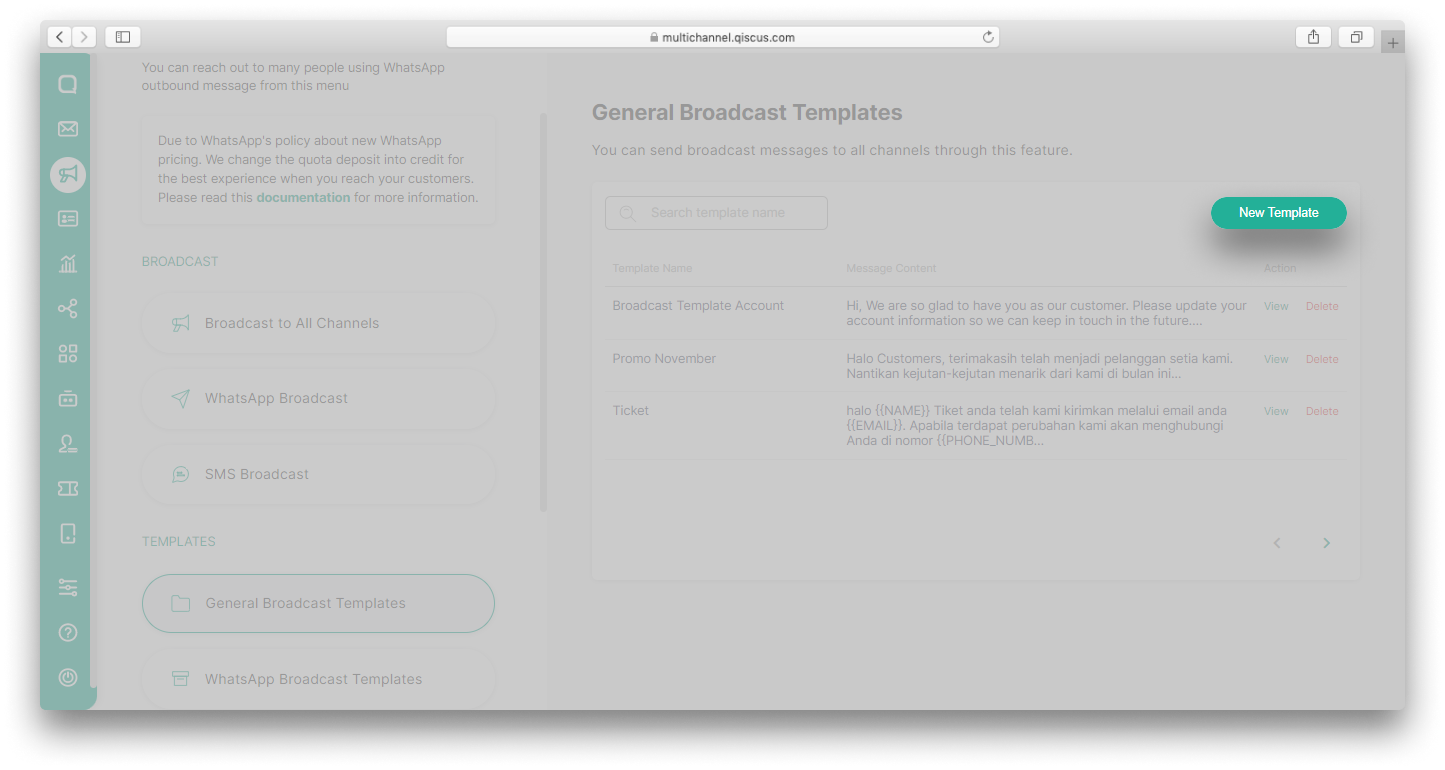
- Go to Outbound Message menu and select General Broadcast Templates,
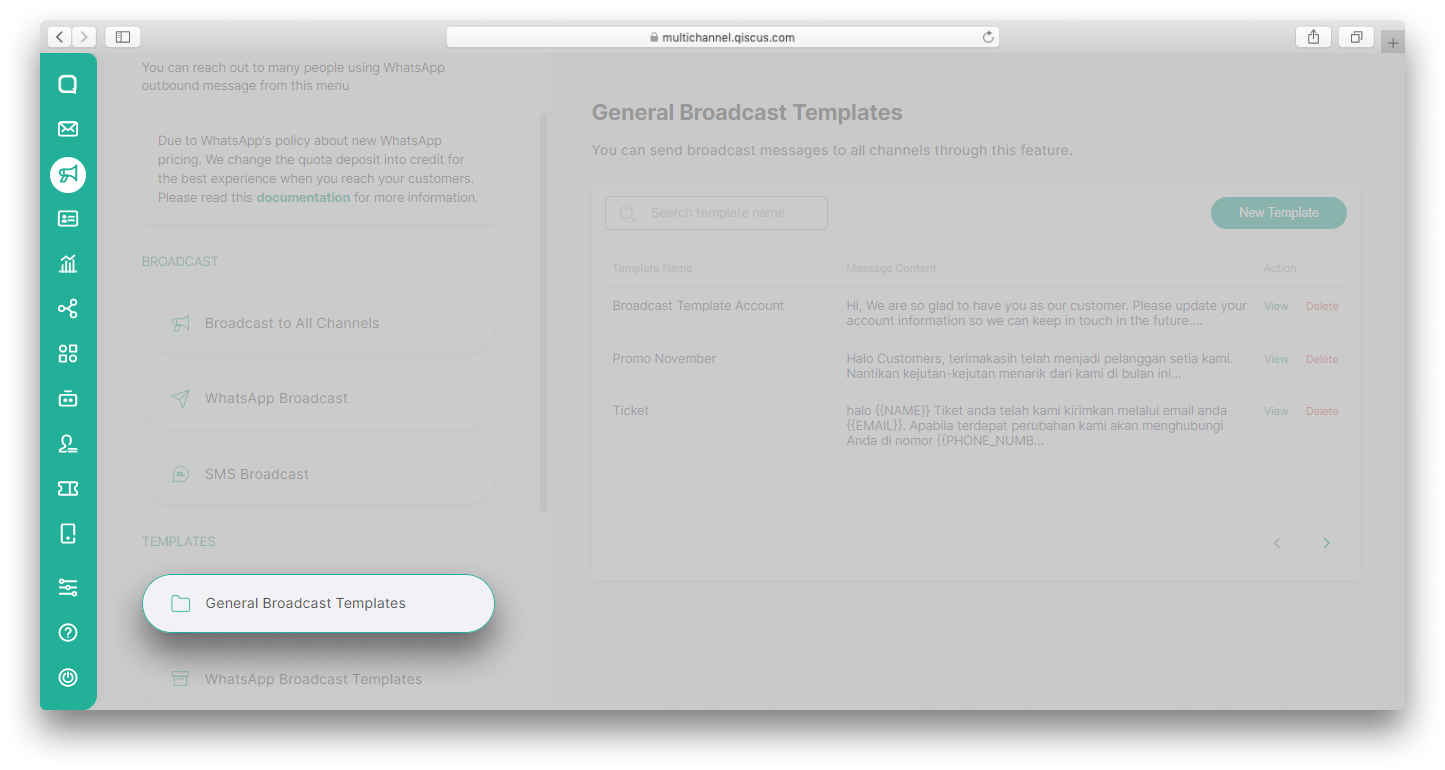
- Click New Template button,

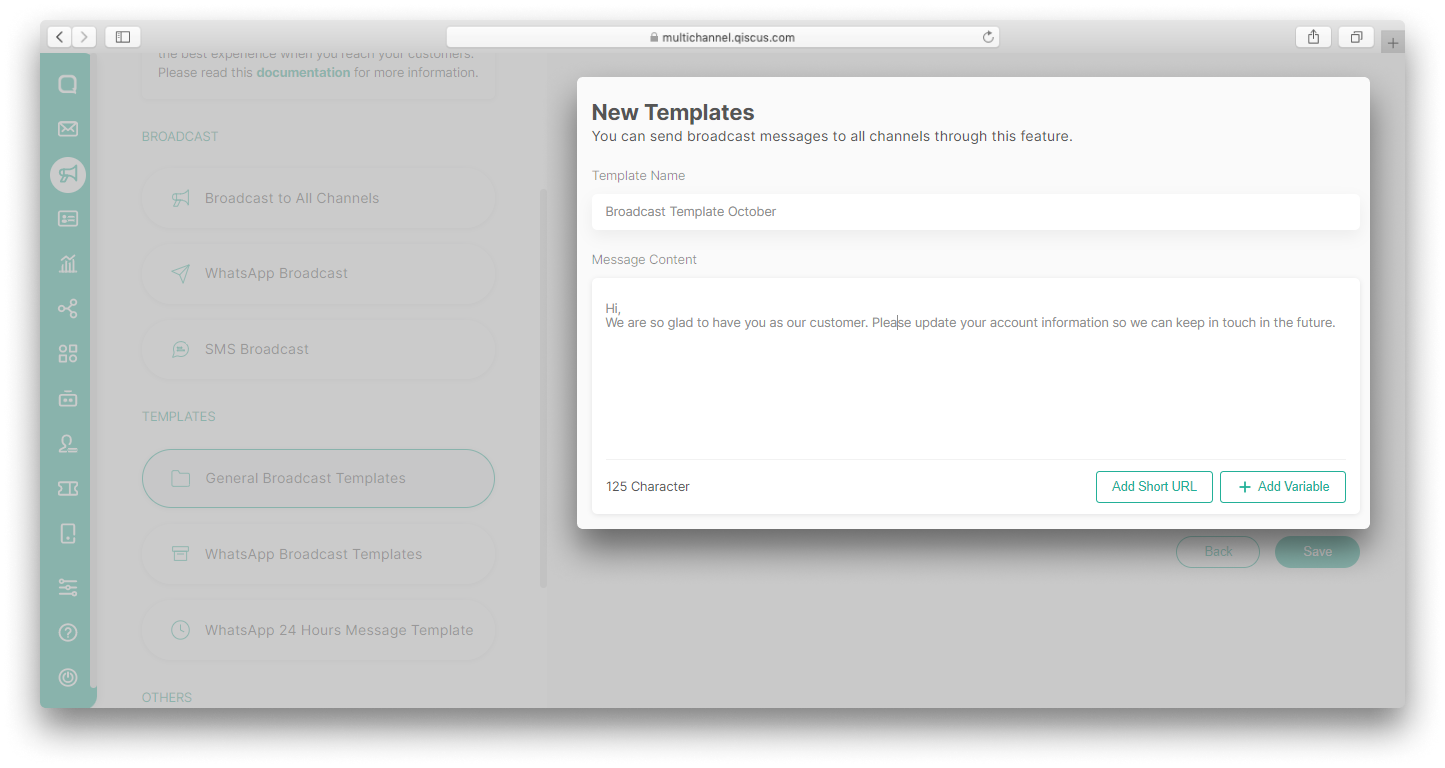
- Fill in the Broadcast Name and the Message Content. You can also add Short URL and variables in the template. Click Save,
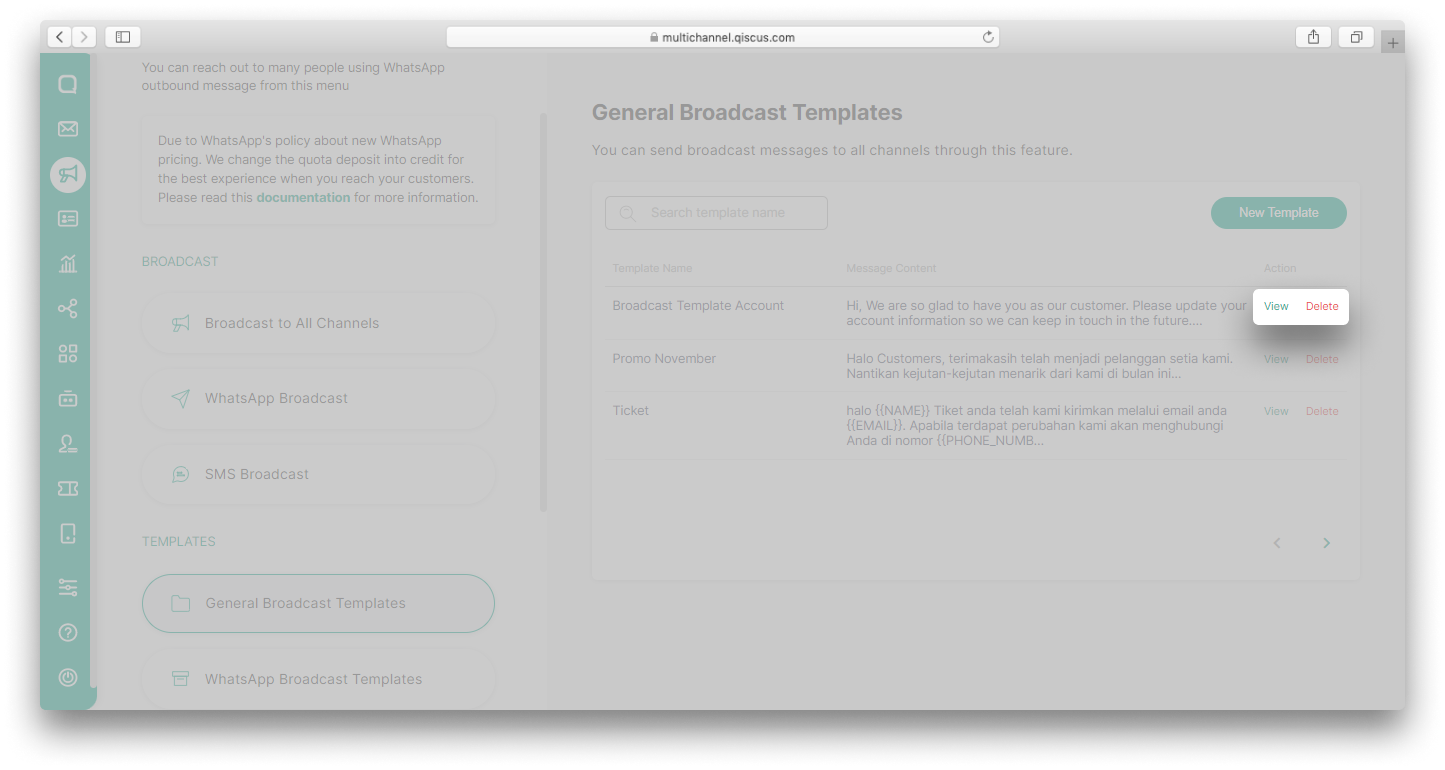
- The template you created will appear in the template list. Click View button to edit the template or Delete button to delete the template.
Type to search, ESC to discard
Last updated on Apr 9, 2025
Was this page helpful?
Next to read:
WhatsApp Broadcast TemplatesQiscus Technology
Discard Changes
Do you want to discard your current changes and overwrite with the template?
Archive Synced Block
Message
Create new Template
What is this template's title?
Delete Template
Message