
Tags are used as labels or identifiers which will make it easier for you to categorize and organize information on QCRM. Tags will appear on the Leads, Contacts, Accounts, Opportunities, and Campaigns menus. You can add new Tags via Admin Panel page or via QCRM directly.
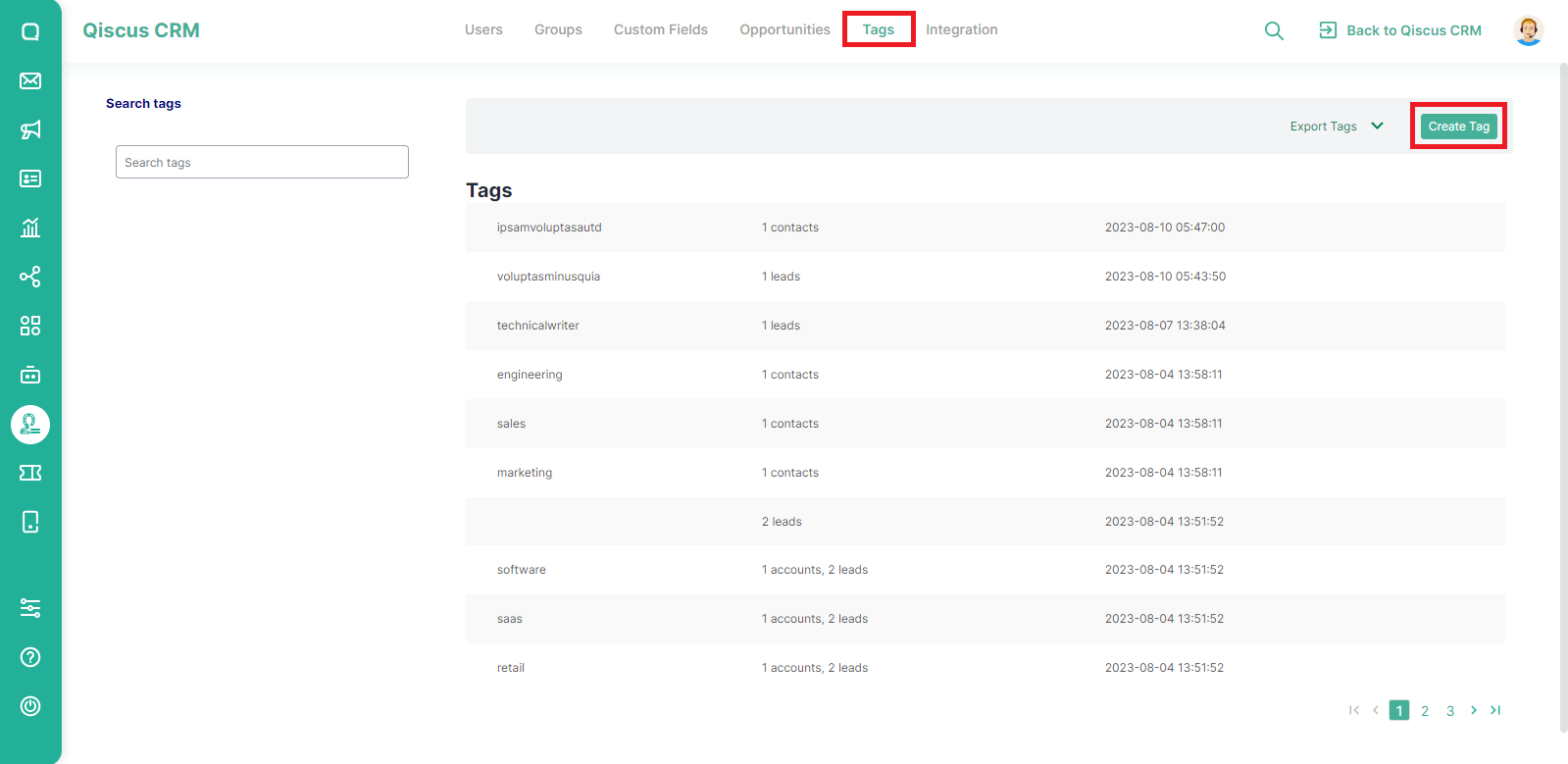
To create tags via the Admin Panel page, select Tags then click the Create Tag button.
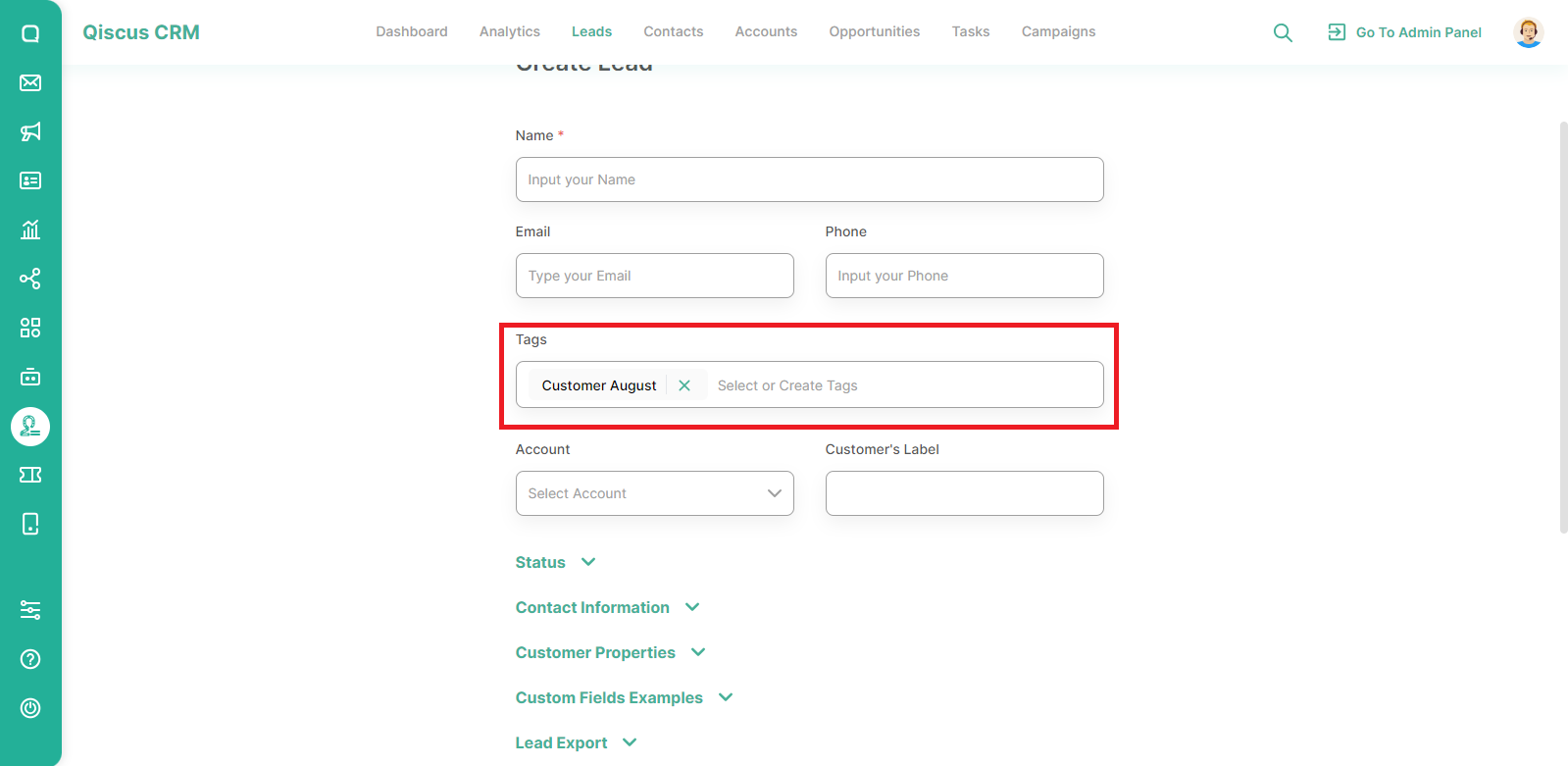
Meanwhile, to add a tag from the QCRM menu, you simply fill in the new tag name in the field provided and then click Enter.
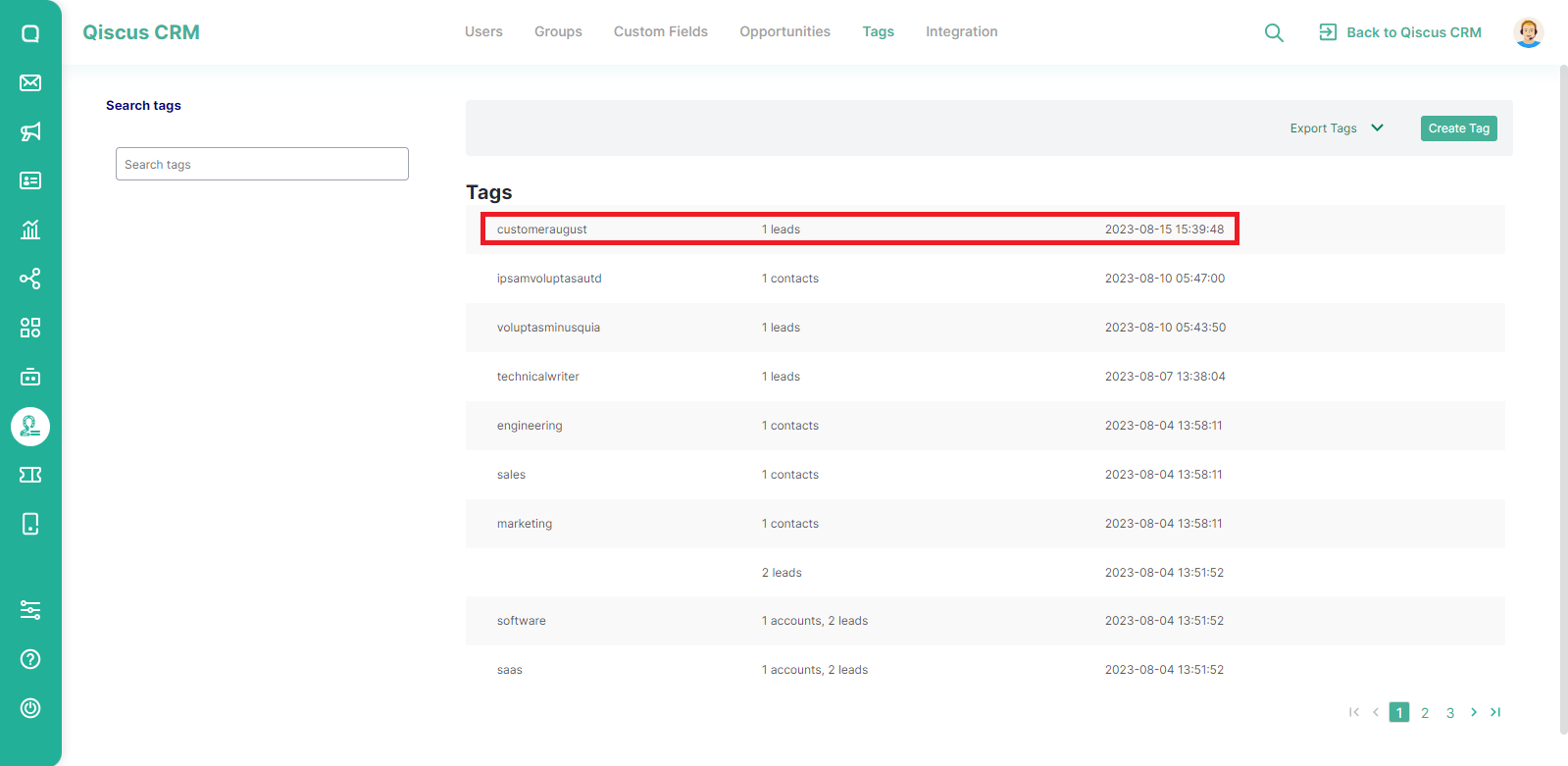
Tag will be automatically saved on the Admin Panel page.
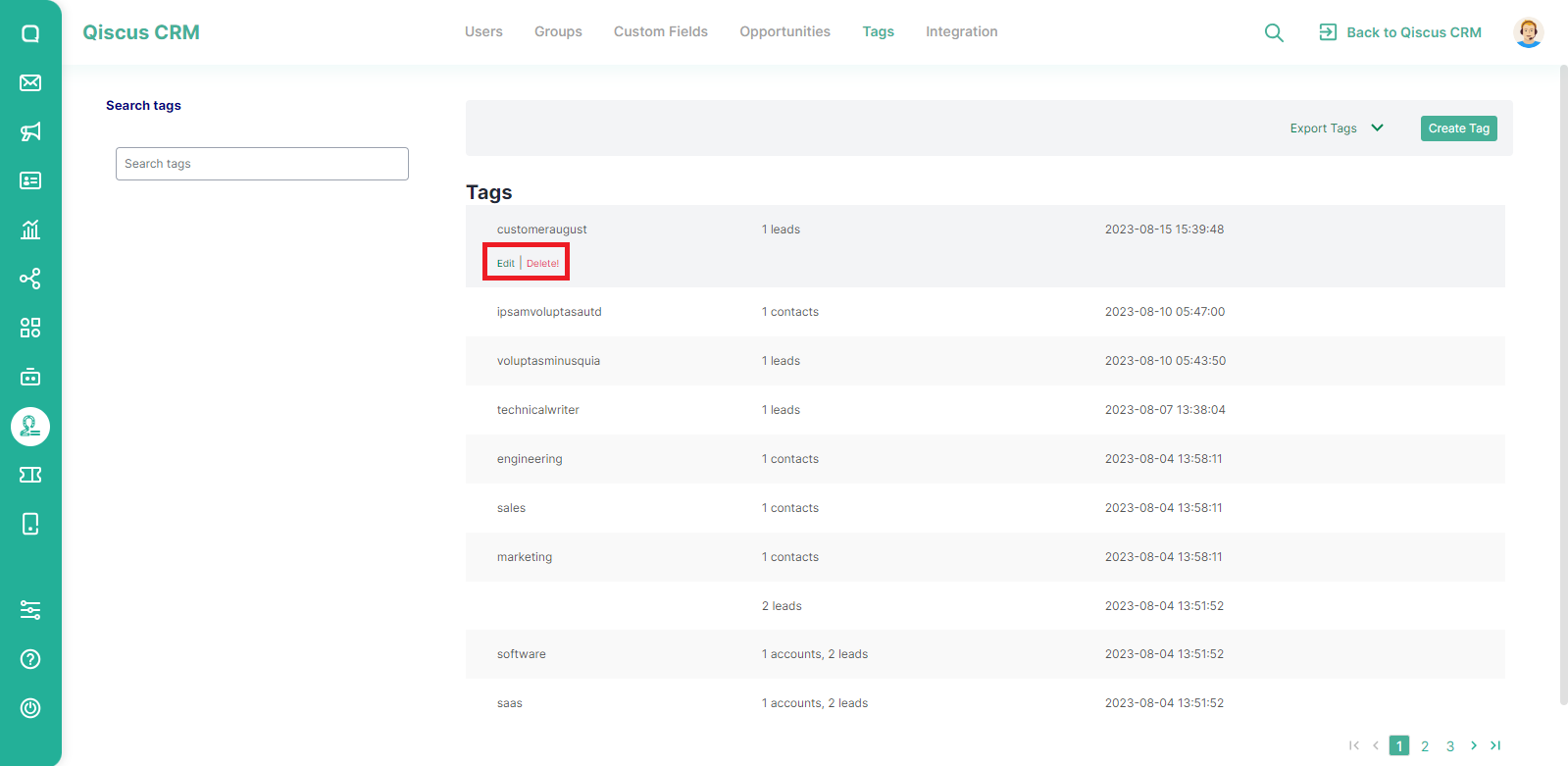
To edit or delete tags, you simply hover the cursor on one of the tags then click edit or delete.
Was this page helpful?