
The My Opportunities section consists of a list of potential transactions or deals for the company. Along with the list, you can find information such as the deal amount and closing date. To access the list of transactions or deals on the My Opportunities page, please follow these steps:
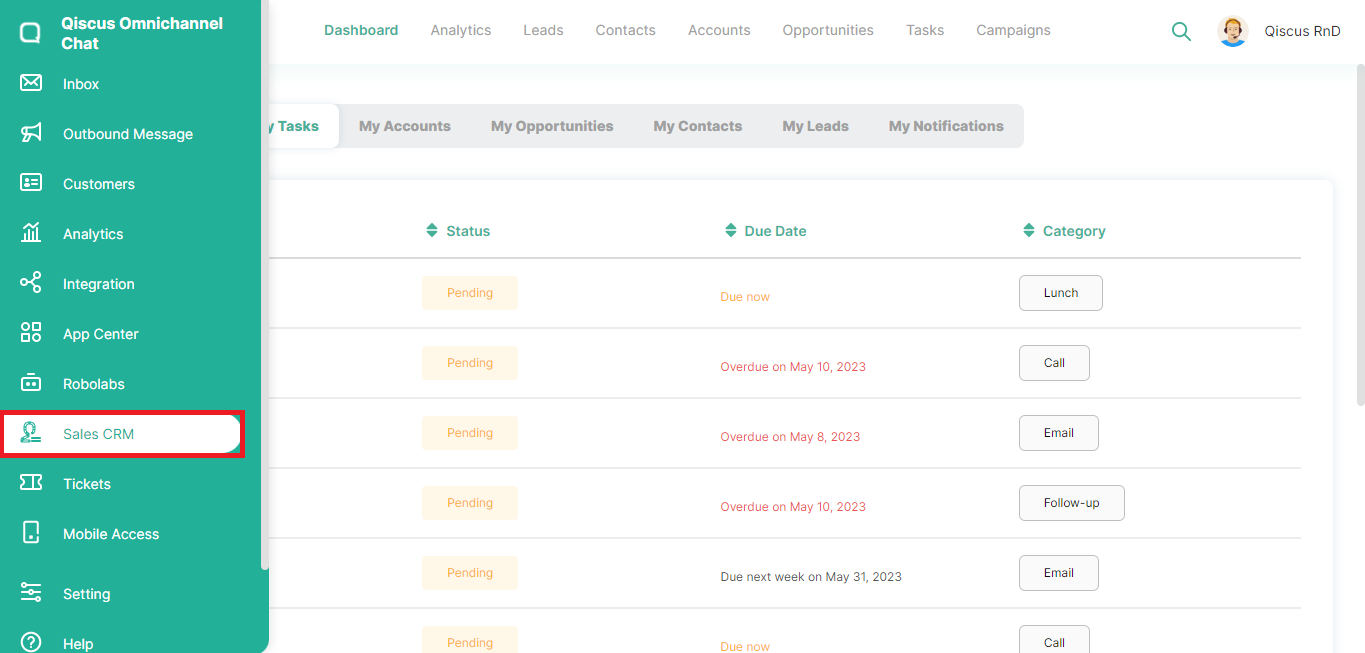
Click the Sales CRM menu in the left sidebar,
Click Dashboard at the top, then select My Opportunities,
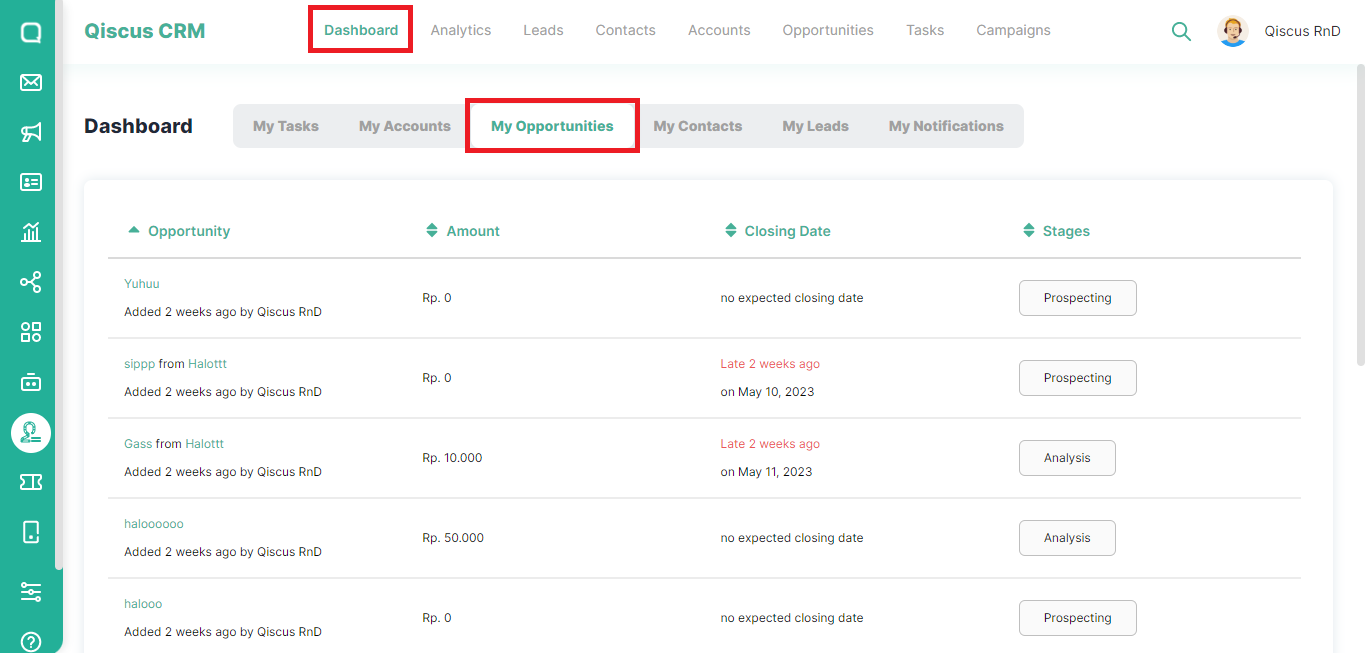
You will see information about the transaction or deals, the nominal amount of the deals, the closing date, and also the stage of the opportunity. In the Opportunity section, the name will be displayed with
opportunity from Account,
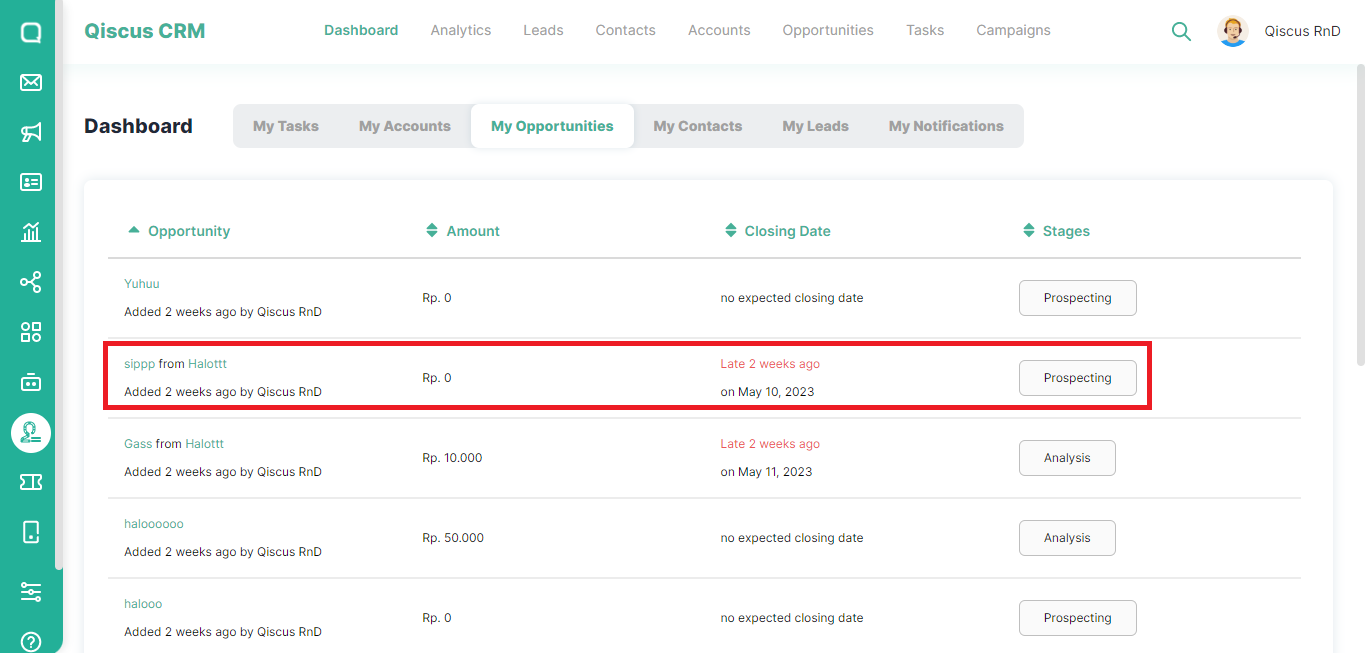
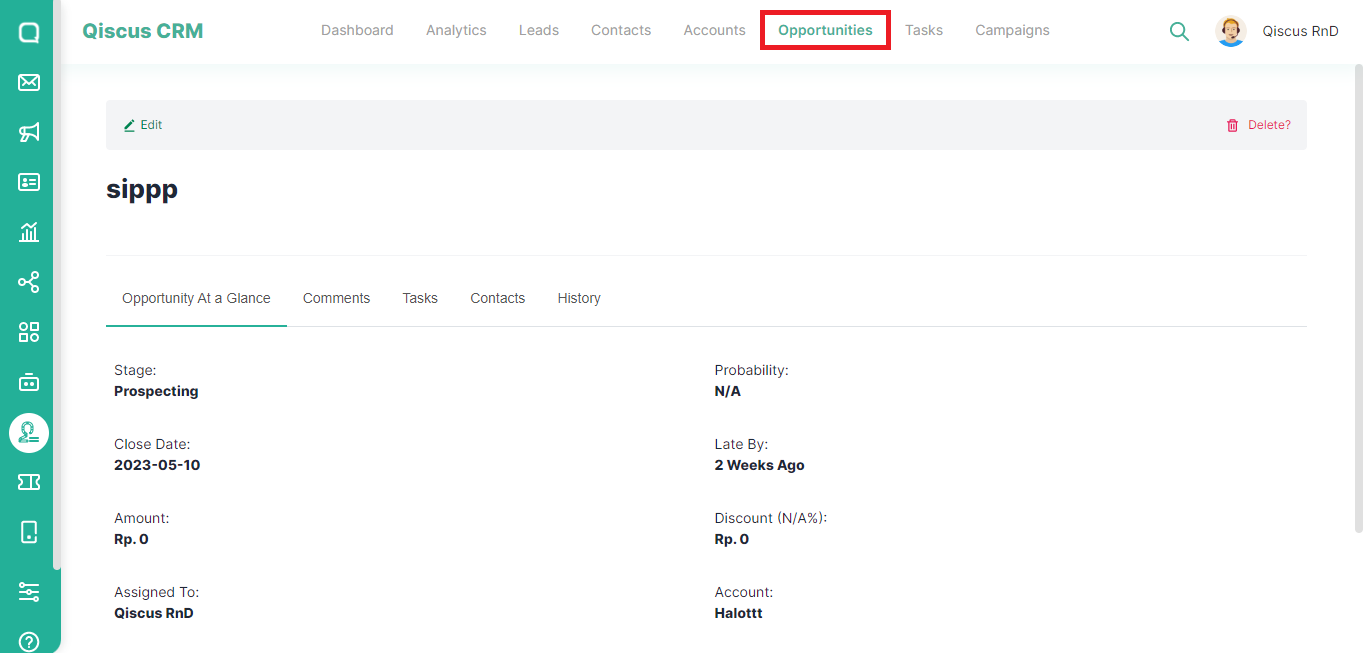
If you click on the name of the opportunity, you will be directed to the Opportunities page,
If you click on the account section, you will be directed to the Accounts page of the company.