
The My Accounts section includes a list of prospect companies targeted for transactions or deals. To view the list of companies on the My Accounts page, please follow these steps:
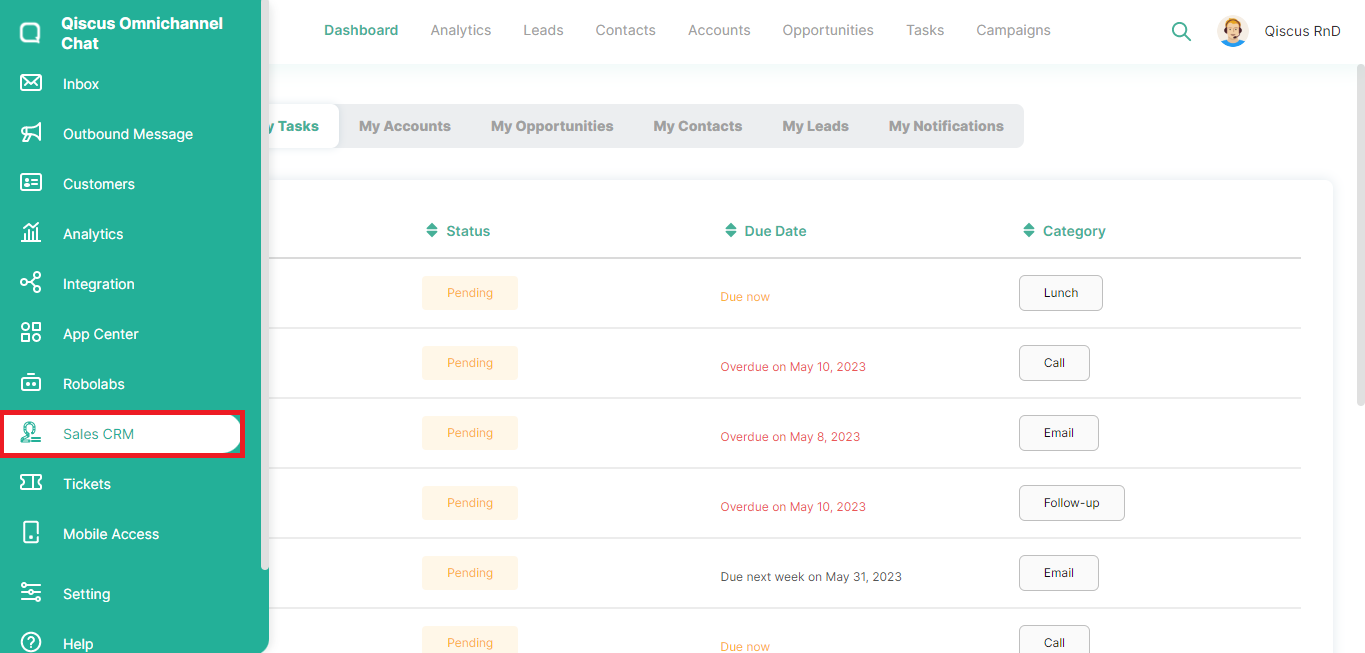
Click the Sales CRM menu in the left sidebar,
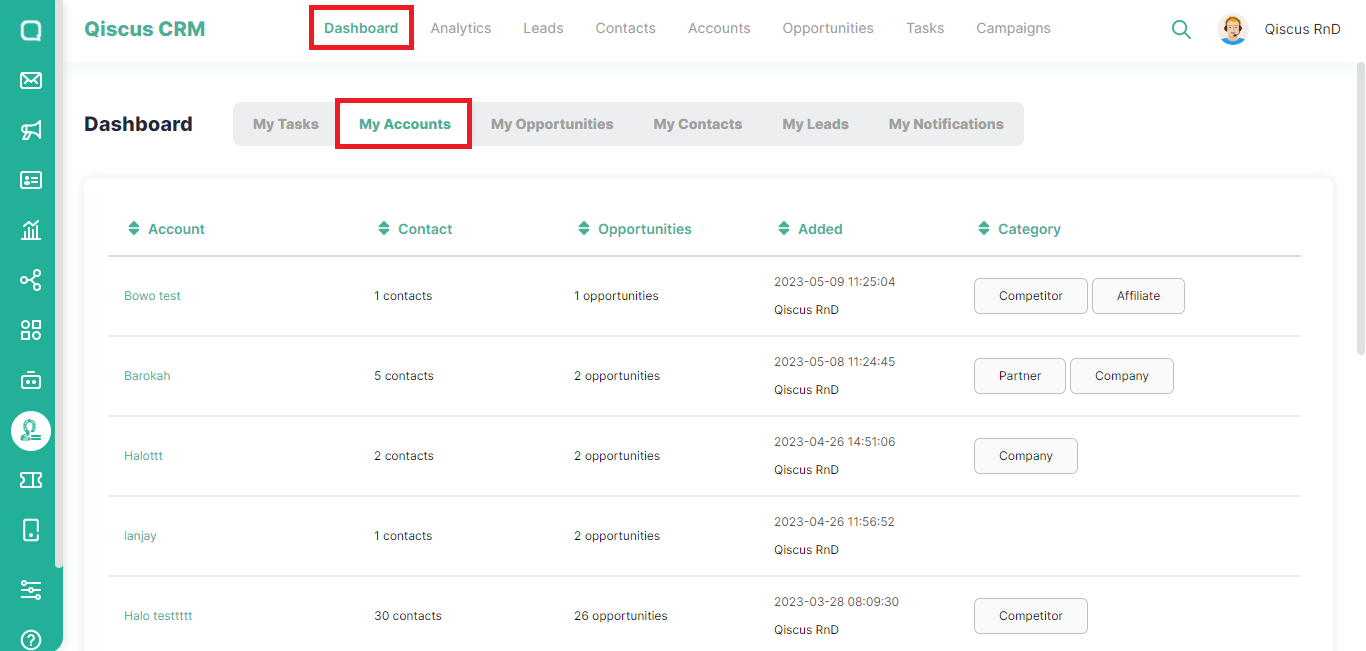
Click Dashboard at the top, then select My Accounts,
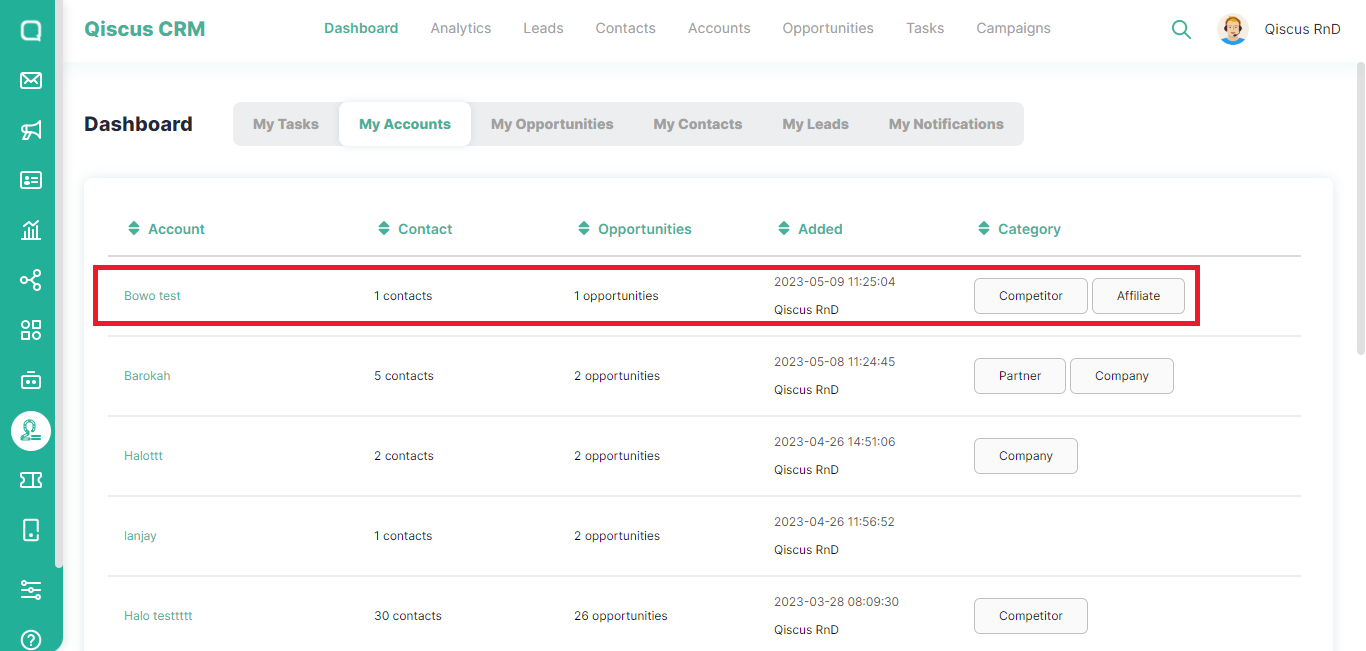
You will see information about the target company such as the number of contacts the target company has, the number of possible opportunities, and also category,
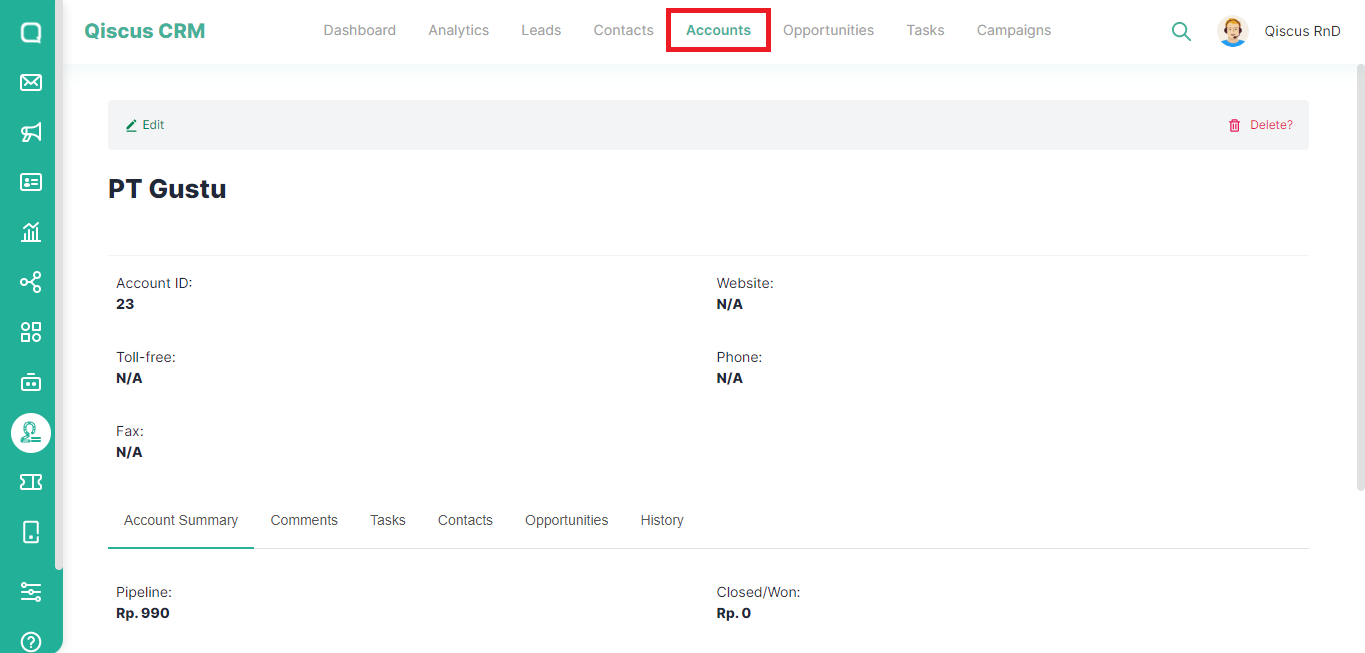
If you click on the Account name, you will be directed to the Accounts page which contains details of the target company.
Was this page helpful?