
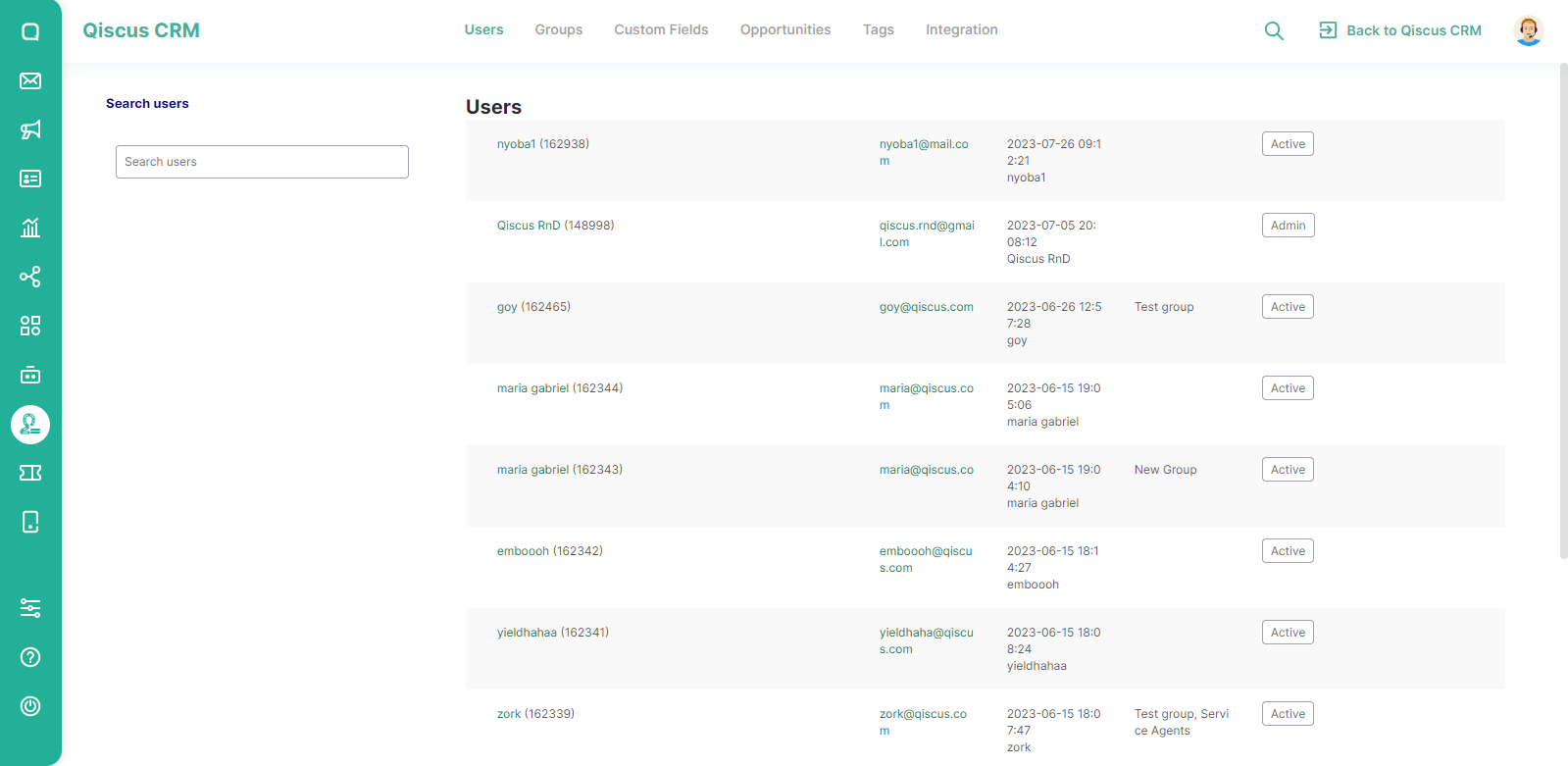
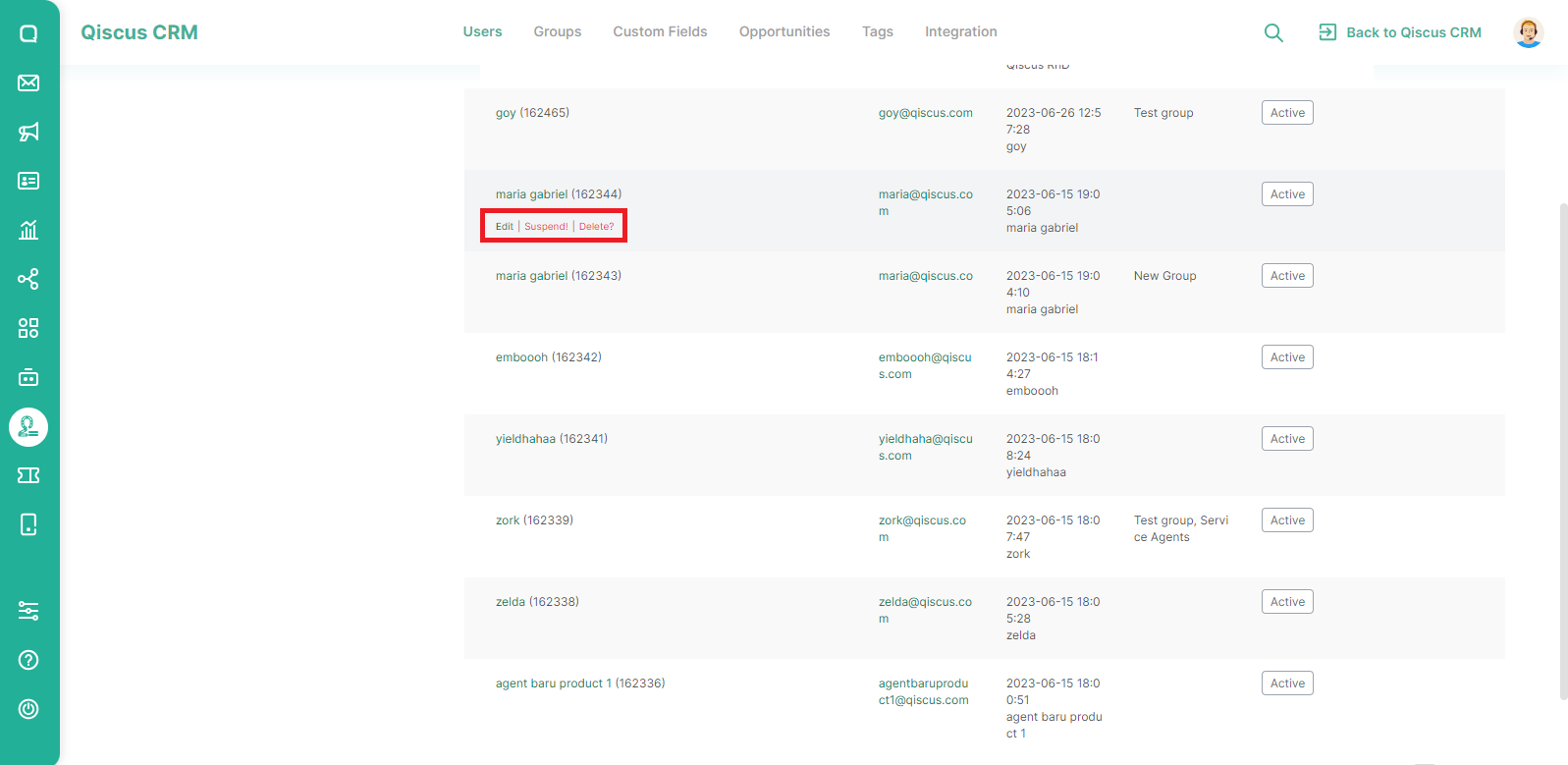
On the Admin Panel page, the Users menu contains a list of agents from Qiscus Omnichannel Chat. In this menu, you can search, edit, or delete users.
Search Users
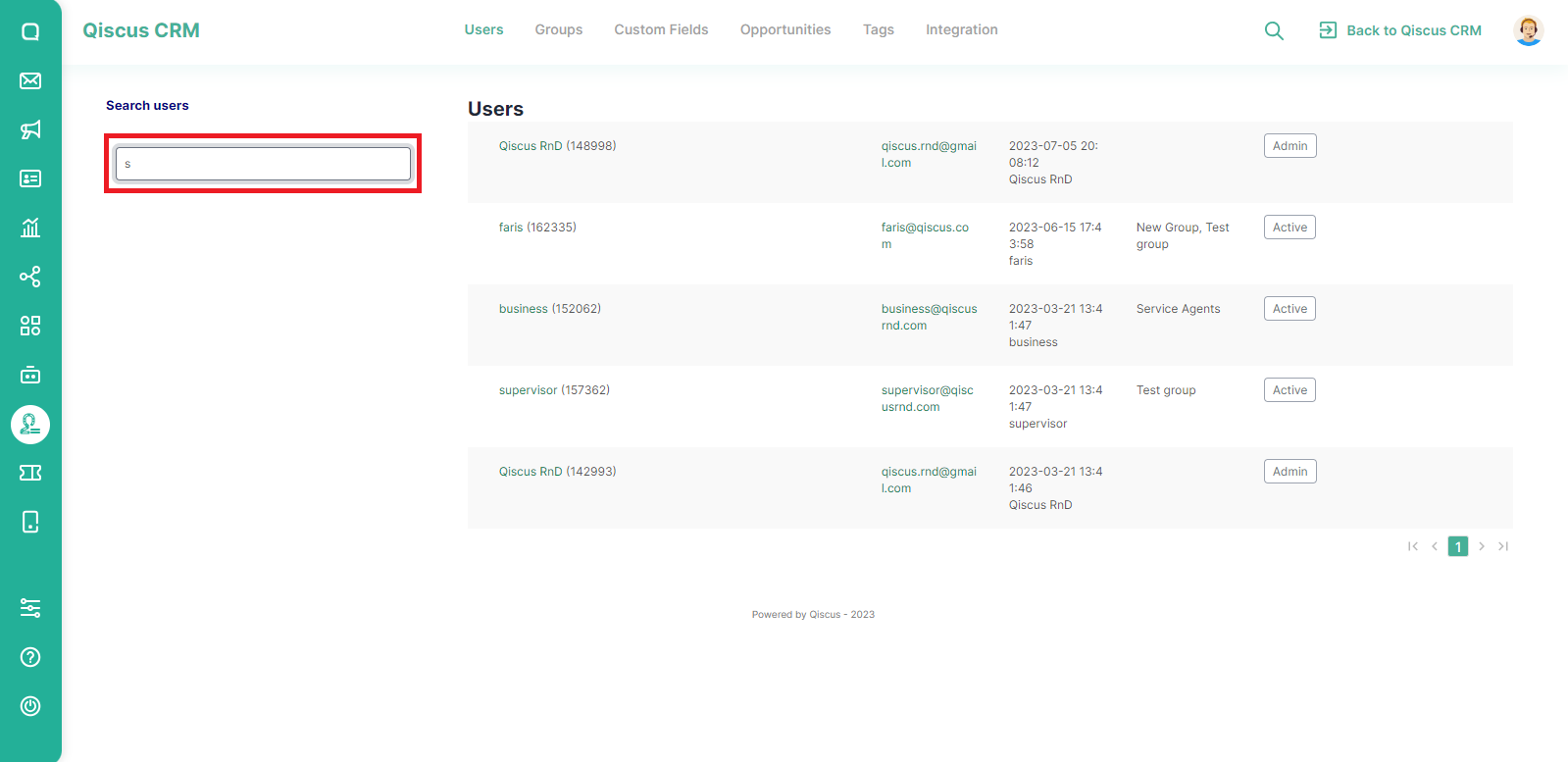
You will see a search field on the left. Enter the name you want to search for. List users will automatically change.
Edit User's Group and Delete A User
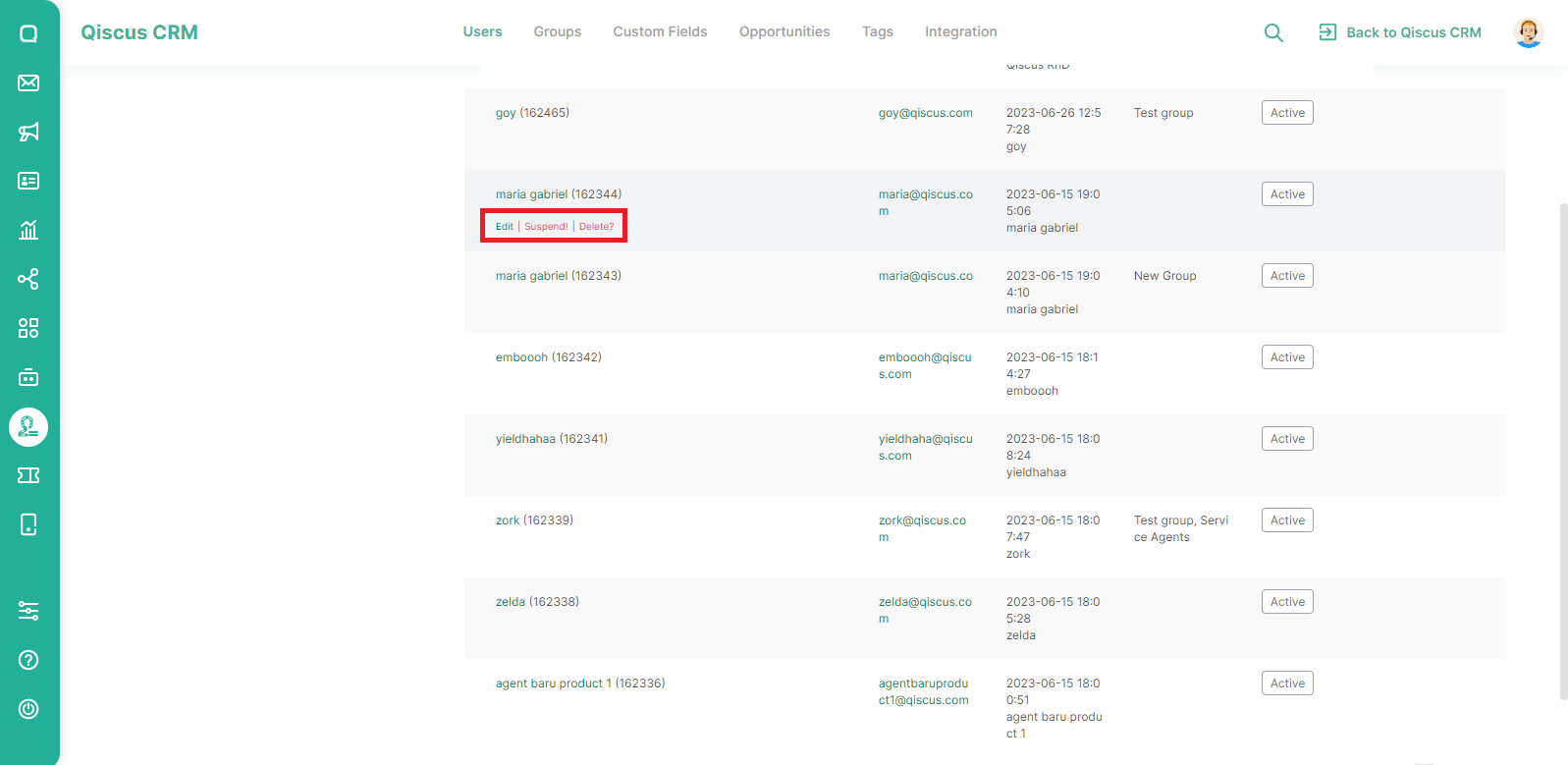
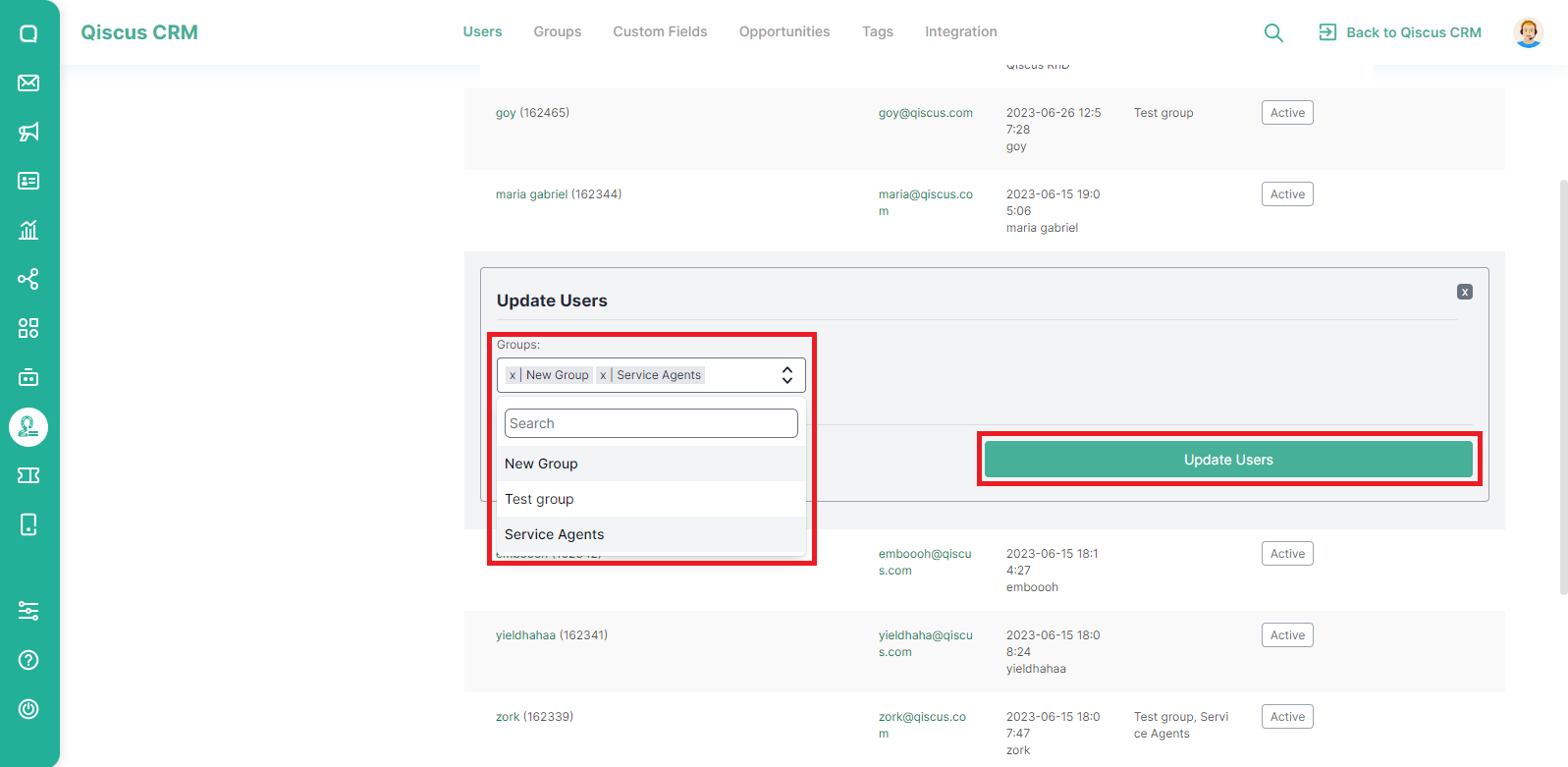
The Edit button on the Users menu on the Admin Panel page is not to edit the user's name or email but to edit the user's group.
You can assign user to one or more groups. Click Update Users button to save your changes.
To delete a user, hover the cursor on one of the users to be deleted then click the delete button.
Was this page helpful?