
Title
Message
Create new category
What is the title of your new category?
Edit page index title
What is the title of the page index?
Edit category
What is the new title of your category?
Edit link
What is the new title and URL of your link?
My Task
Copy Markdown
Open in ChatGPT
Open in Claude
The My Tasks section includes a list of current and future tasks that require attention. To view the tasks in My Tasks, you can follow these steps:
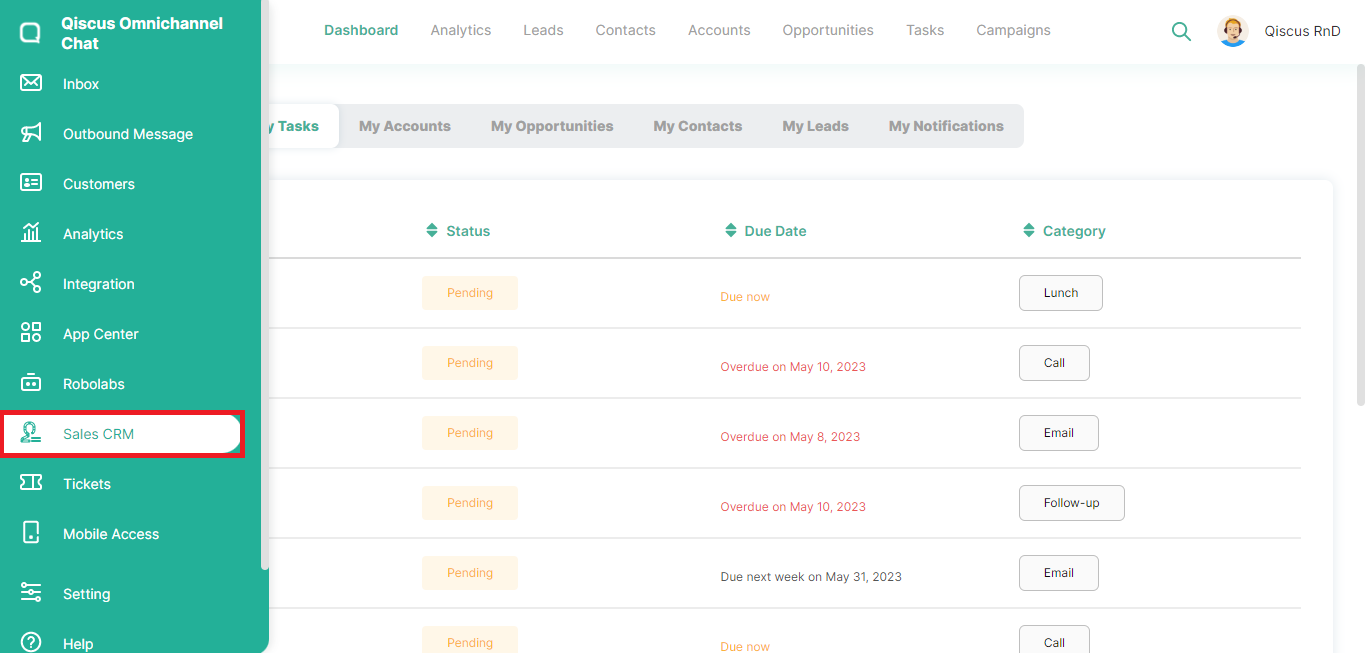
- Login to your Qiscus Omnichannel Chat account then click the Sales CRM menu in the left sidebar,
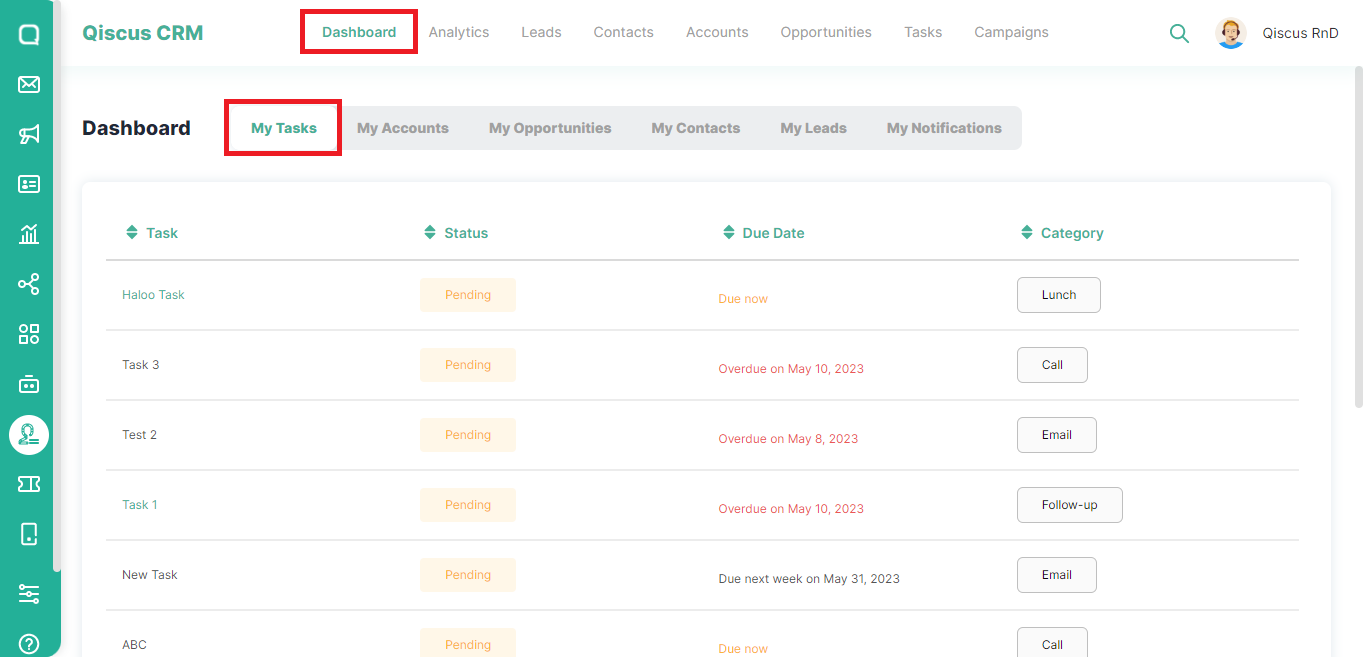
- Click Dashboard at the top, then select My Tasks,
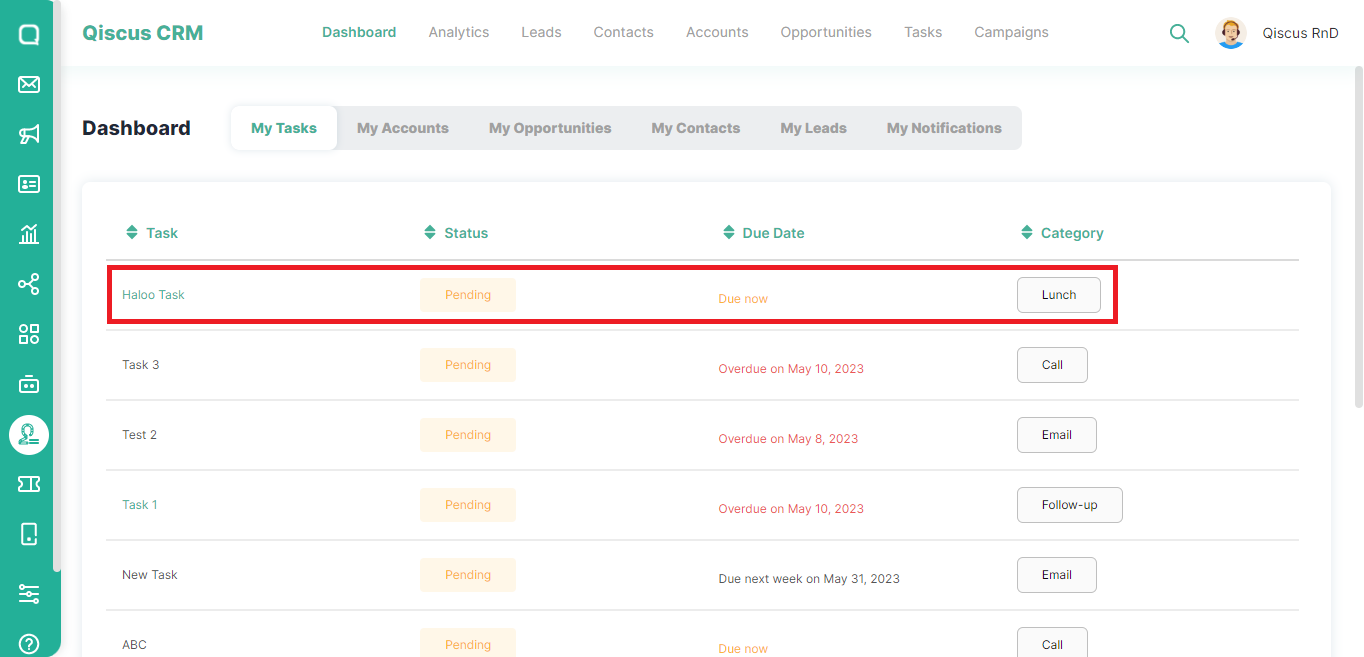
- You will see a list of task, status, due date, and category,
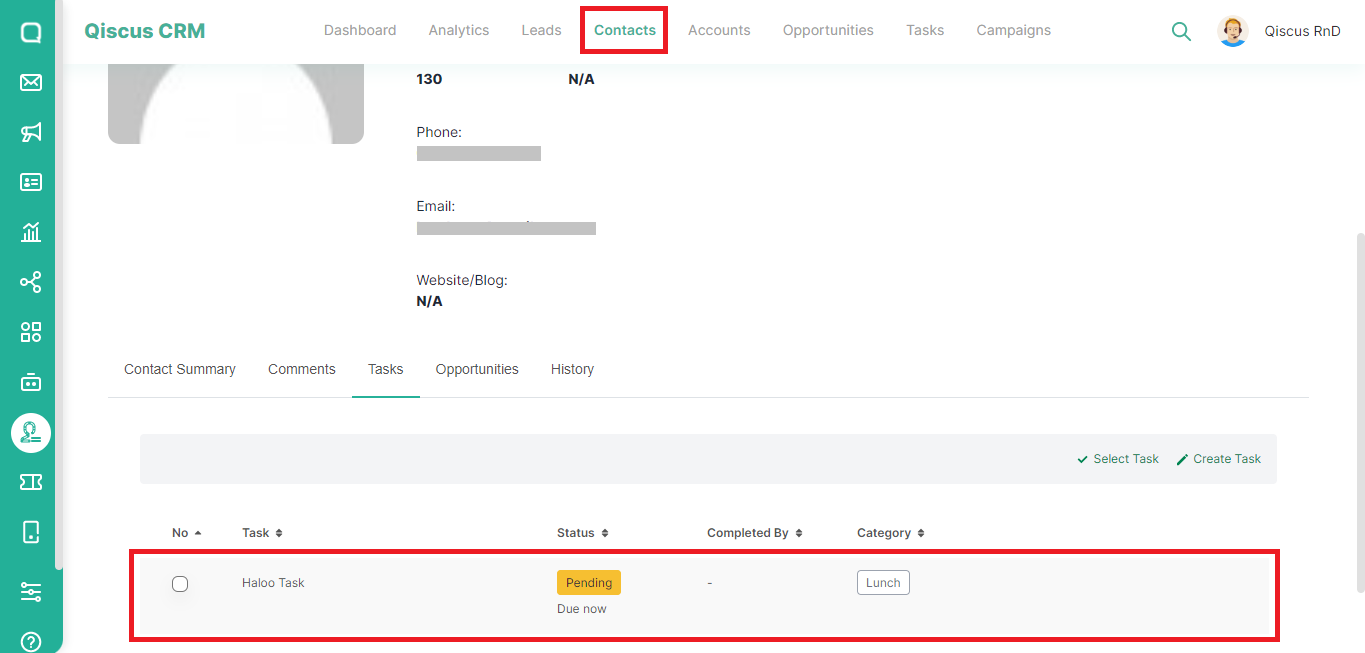
- Some Tasks with a different color in the task name are associated with saved Contacts or Leads. You will be directed to the Leads or Contacts page if you click on the task name,
Type to search, ESC to discard
Last updated on May 24, 2023
Was this page helpful?
Next to read:
My AccountsQiscus Technology
Discard Changes
Do you want to discard your current changes and overwrite with the template?
Archive Synced Block
Message
Create new Template
What is this template's title?
Delete Template
Message